
How to Check BPM of Any Song or Track
How to Check BPM of Any Song or Track?

Content
Content
Figuring out the tempo of a song isn't rocket science, but it's one of those skills that separates casual listeners from people who really work with music. Whether you're a DJ matching tracks, a runner building a workout playlist, or a producer analyzing a reference track, knowing how to check BPM gives you control. The good news? You've got options ranging from dead simple to surprisingly precise, and most of them won't cost you a dime.
What BPM Means and Why It Matters
BPM stands for beats per minute. It's exactly what it sounds like: how many beats happen in 60 seconds of music. A slow ballad might sit around 60-70 BPM, while an uptempo dance track can push 140 or higher.
Why does this number matter? For DJs, it's non-negotiable. You can't beatmatch two tracks if you don't know their tempos. Producers use BPM to set the mood before they write a single note. Fitness enthusiasts sync their running pace to specific tempo ranges—studies show that 120-140 BPM tends to match natural jogging cadence for most people.
Even casual playlist curation gets better when you understand measuring song speed. Ever notice how Spotify's workout playlists feel cohesive? That's tempo curation at work.
The pattern I see most often is people confusing BPM with intensity. A song can be 80 BPM and feel aggressive (heavy metal in half-time), or 80 BPM and feel relaxed (a slow R&B groove). Tempo tells you speed, not energy.
Manual Methods for Counting Beats Per Minute
Sometimes you don't have tools handy. Or maybe you just want to train your internal metronome. Manual counting works, and it's more accurate than you'd think once you get the hang of it.
The Stopwatch Tap Method
This is the gold standard for tapping out BPM without software.
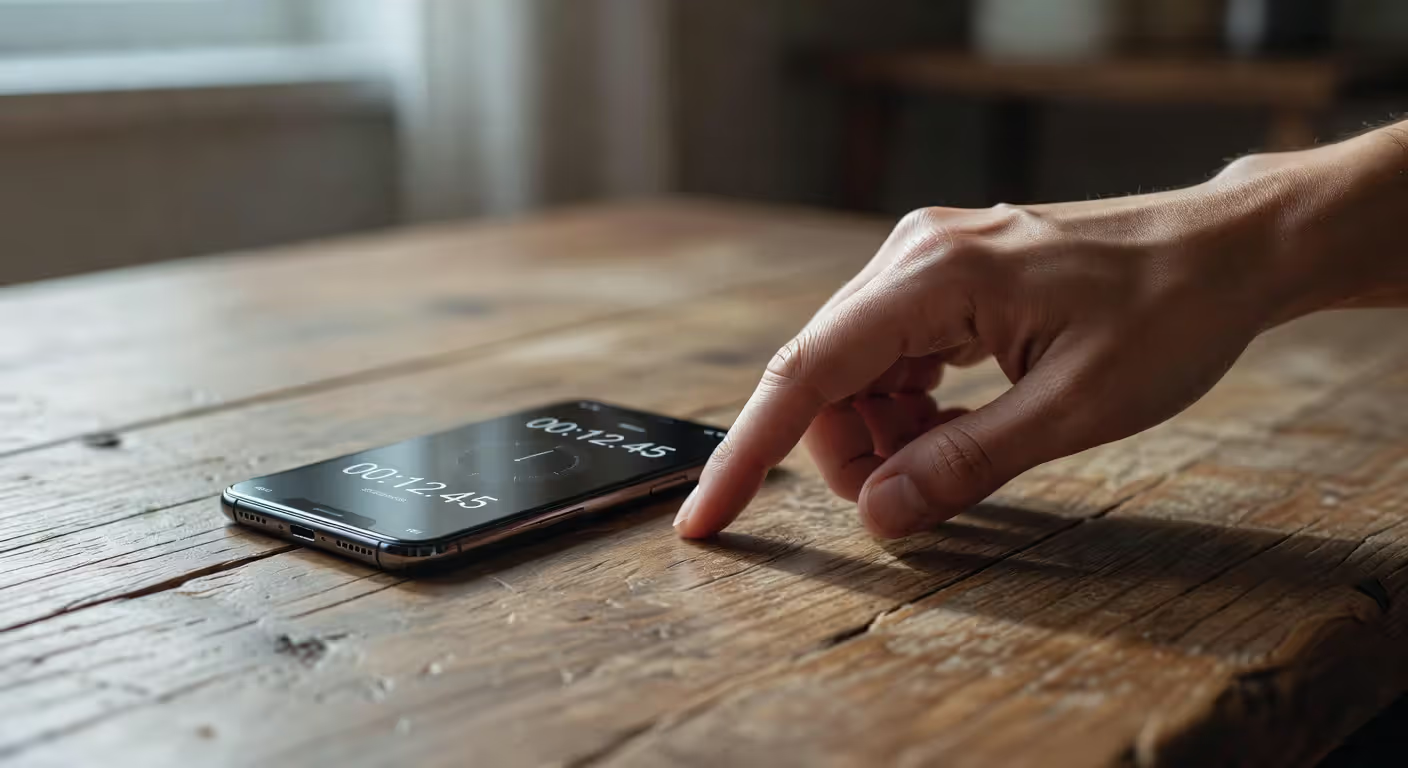
Start your stopwatch and tap along with the beat. You're counting beats, not measures. Focus on the kick drum or snare—whatever feels like the pulse. Count to 30 beats, then stop your timer.
Here's the math: divide 30 by the number of seconds elapsed, then multiply by 60. If 30 beats took 15 seconds, you've got 120 BPM (30 ÷ 15 = 2, then 2 × 60 = 120).
Why 30 beats instead of 60? Shorter counting windows reduce the chance you'll lose focus and miscount. But if you're confident, counting to 60 beats and checking the elapsed time works too—just flip the equation.
One mistake people make: tapping on the offbeat. If you're bobbing your head to a song, you might naturally lock onto the snare on beats 2 and 4 instead of the downbeat. Listen for the kick drum first.
Counting Along to the Music
No stopwatch? Count beats while watching a clock with a second hand.
Start counting when the second hand hits 12. Count every beat: 1, 2, 3, 4... Keep going for exactly 15 seconds. Multiply your count by 4, and you've got your BPM.
This method is rougher. Human reaction time introduces error, and maintaining perfect focus for even 15 seconds is harder than it seems. But it'll get you within 5-10 BPM, which is close enough for most casual purposes.
Author: Declan Wrenford;
Source: lamat-records.com
Using Online Tools and Apps to Detect Tempo
Let's be honest: software is faster and usually more accurate than manual methods. In 2026, you've got dozens of options for finding the tempo of a song automatically.
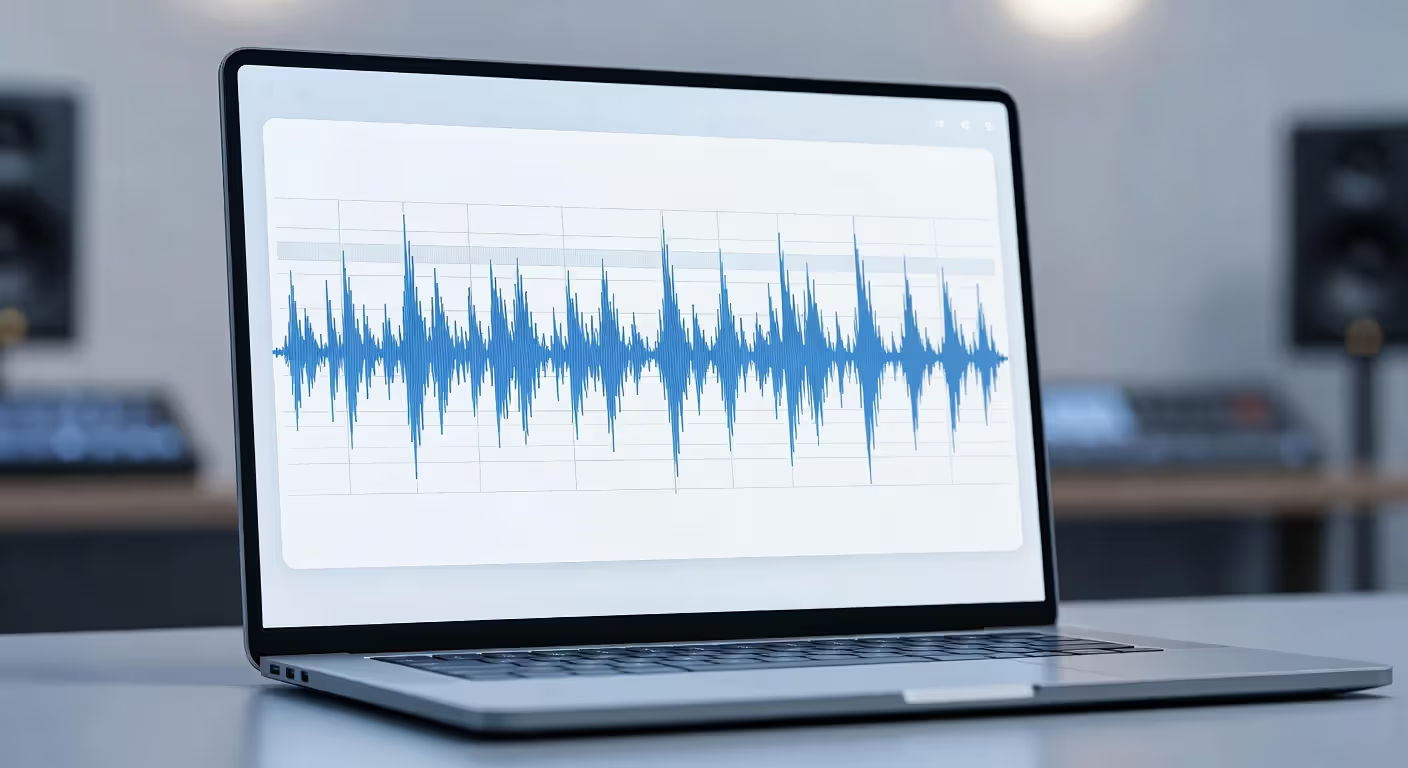
Most tools fall into two categories. Upload-based analyzers let you drop in an MP3 or WAV file and spit out the BPM. Real-time detectors use your device's microphone to analyze whatever's playing around you.
Accuracy varies. Simple peak-detection algorithms can get confused by complex polyrhythms or tempo changes. Better tools use spectral analysis and machine learning to handle tricky cases. But even basic tools nail it 90% of the time for straightforward pop, rock, and electronic music.
Here's a breakdown of popular options:
| Tool/App Name | Type | Platform | Cost | Key Features | Accuracy Rating |
| Tunebat | Upload | Web | Free | Key detection, batch analysis, Spotify integration | 9/10 |
| BPM Analyzer Pro | Upload/Real-time | iOS, Android | $4.99 | Offline mode, tempo tap, playlist export | 8.5/10 |
| Serato DJ | Real-time | macOS, Windows | $129/year | Professional DJ analysis, beatgrid editing | 9.5/10 |
| SongBPM.com | Upload | Web | Free | Simple interface, no registration required | 7.5/10 |
| Tempo by Frozen Ape | Real-time | iOS | Free (Pro $2.99) | Setlist mode, tap tempo, average calculation | 8/10 |
| MixMeister BPM Analyzer | Upload | Windows, macOS | Free | Batch processing, writes BPM to file tags | 8/10 |
The simpler option usually wins here. If you just need a quick BPM for one song, web-based tools like SongBPM.com get the job done in seconds. But if you're analyzing a whole library, batch processors save hours.
One counterintuitive point: paid apps aren't always more accurate than free ones. Tunebat's free web tool often outperforms apps that cost money because it's constantly updated with better algorithms.
Author: Declan Wrenford;
Source: lamat-records.com
Training Your Ear to Recognize Song Speed
BPM detection by ear is a learnable skill. You won't nail every tempo to the exact number, but you can definitely get within a 10 BPM range with practice.
Start by memorizing reference tempos. Pick songs you know cold and check their BPM. "Stayin' Alive" by the Bee Gees is 103 BPM. "Uptown Funk" sits at 115. "Sandstorm" by Darude is 136. When you hear a new track, compare it mentally to your references.
Genre conventions help too. Most house music lives between 120-130 BPM. Hip-hop typically ranges from 80-100 (though trap pushes to 140+). Pop ballads hover around 60-80. Knowing these ranges narrows your guessing window.
Practice this way: listen to a song and make your best guess. Then check the actual BPM. Over time, your internal sense of tempo calibrates. It's like developing relative pitch—your brain builds a database of what different speeds feel like.
Common tempo ranges by genre:
- Ballads/Slow Pop: 60-80 BPM
- Hip-Hop/R&B: 80-100 BPM
- Pop/Rock: 100-130 BPM
- House/Techno: 120-130 BPM
- Drum and Bass: 160-180 BPM
- Dubstep: 140 BPM (feels like 70 in half-time)
That last point trips people up. Dubstep's actual tempo is around 140, but the groove emphasizes every other beat, so it feels slower. Always count the fastest consistent pulse, not the emphasized beats.
Reading Tempo Information from Digital Audio Files
Sometimes the work's already done for you. Many audio files contain BPM metadata embedded in their tags.
In a DAW (digital audio workstation) like Ableton Live, Logic Pro, or FL Studio, imported audio files often display their tempo automatically if that data exists. Music library software like iTunes, Serato, or Rekordbox can read and write BPM tags too.
To check manually on Windows: right-click an MP3 or WAV file, select Properties, then look under the Details tab. On macOS, Get Info on the file and check the metadata fields. The BPM field might be labeled "Tempo" or "Beats Per Minute."
Here's the catch: this information isn't always there. Most commercial downloads from iTunes or Amazon don't include BPM data. Tracks ripped from CDs definitely won't have it unless you've analyzed and tagged them yourself.
DJ software usually auto-analyzes your library when you import it, writing BPM values to the file tags. If you use Rekordbox or Serato, you've probably got a library full of tempo-tagged files without realizing it.
One trick: if you're organizing a large collection, batch BPM analysis tools like MixMeister can process hundreds of files at once and write the results directly to the metadata. Saves you from checking each track individually.
Common Mistakes When Measuring Track Tempo
Even experienced musicians mess this up sometimes. Here are the traps to avoid when determining a track tempo.
Confusing time signature with BPM. Time signature tells you how beats are grouped (4/4, 3/4, 6/8). BPM tells you how fast those beats go. A waltz in 3/4 time could be 90 BPM or 180 BPM—totally different speeds, same grouping pattern.

Author: Declan Wrenford;
Source: lamat-records.com
Miscounting half-time or double-time. If you're getting a BPM that seems way too fast or too slow, you might be counting at the wrong level. Half-time grooves emphasize every other beat, making the tempo feel slower. Double-time does the opposite. The actual BPM is the fastest consistent pulse.
Inconsistent tap timing. When tapping out BPM, rushing or dragging even slightly throws off your result. Your taps should be mechanical, not expressive. This is harder than it sounds—humans naturally add feel to rhythm.
Not accounting for tempo changes. Some songs speed up or slow down, especially live recordings or classical pieces. Your BPM reading only applies to the section you measured. If a song starts at 120 and ends at 128, neither number tells the whole story.
Before: "This song is definitely 70 BPM, it feels so slow."
After: "Wait, it's actually 140 BPM in half-time. That's why it grooves that way."
That realization changes how you think about rhythm. The number matters less than understanding what's happening musically.
Tempo is the foundation of everything I do as a DJ and producer. You can have the most interesting melody or the fattest bassline, but if your BPM is wrong for the context, the track won't connect. I always verify tempo by ear even after software analysis—algorithms are good, but they can't feel the groove like a human can.
— Hawtin Richie
Here's a comparison table showing how the same track can read differently depending on your counting approach:
| Song Element You're Counting | Perceived BPM | Actual BPM | Why It's Confusing |
| Kick drum (every beat) | 140 | 140 | Correct reference point |
| Snare (beats 2 and 4 only) | 70 | 140 | You're counting half the beats |
| Hi-hat (double-time pattern) | 280 | 140 | You're counting subdivisions |
| Vocal phrase rhythm | 35 | 140 | Phrases span multiple measures |
FAQ: BPM Detection Questions Answered
Checking BPM isn't complicated once you know your options. Manual methods give you independence from technology and sharpen your rhythmic sense. Software delivers speed and precision when you're processing dozens of tracks. Ear training builds intuition that helps in every musical context. Pick the approach that fits your situation, and you'll never wonder about a song's tempo again.
Related Stories
Read more
Read more


The content on this website is provided for general informational and educational purposes only. It is intended to explain concepts related to music production, recording, mixing, mastering, music industry roles, and distribution.
All information on this website, including articles, guides, and examples, is presented for general educational purposes. Results and success in music production may vary depending on skill level, equipment, and effort.
This website does not provide professional music production services or guarantees of commercial success, and the information presented should not be used as a substitute for consultation with qualified music producers, audio engineers, or music industry professionals.
The website and its authors are not responsible for any errors or omissions, or for any outcomes resulting from decisions made based on the information provided on this website.