
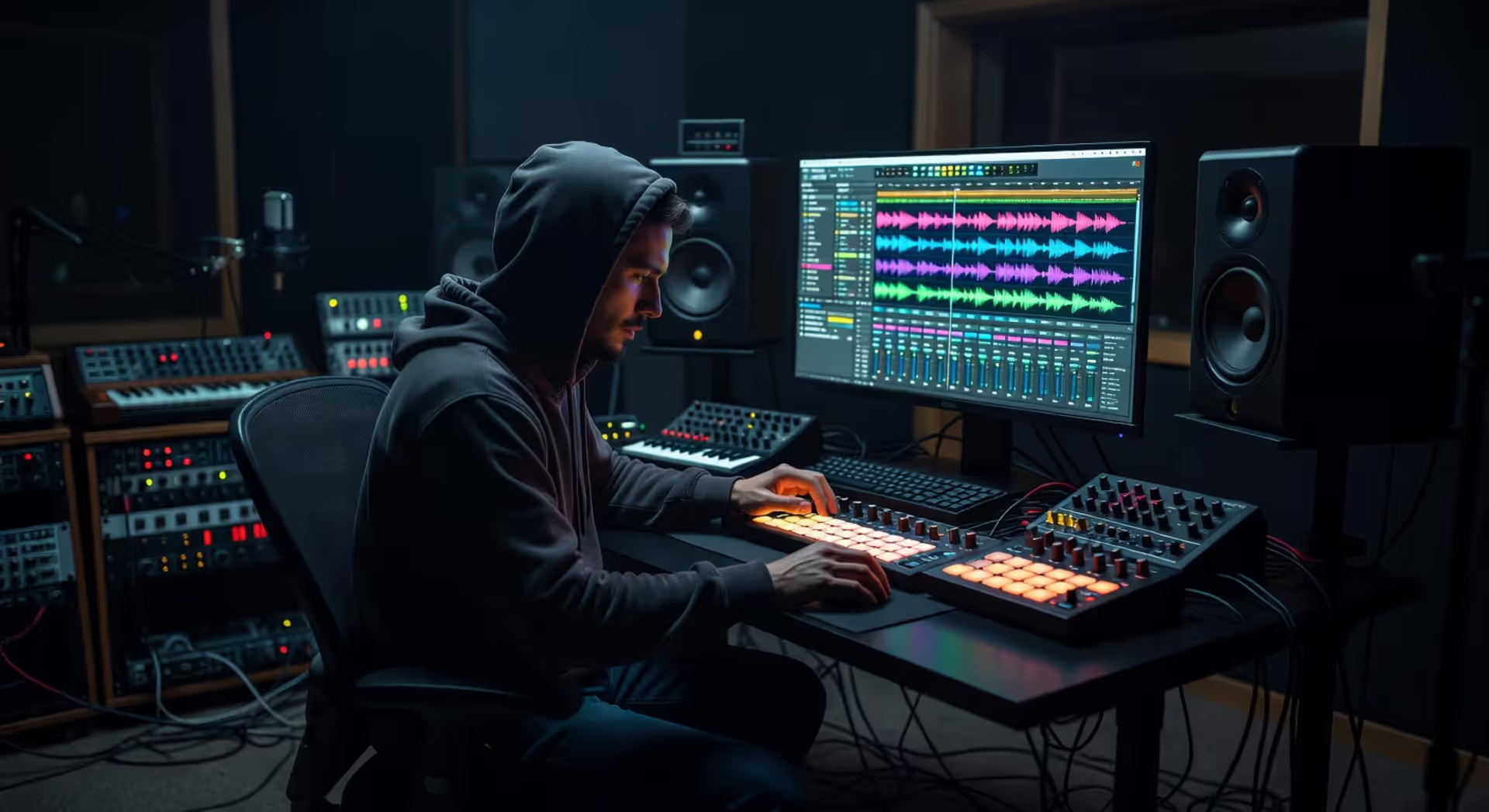
What Do Producers Use to Make Beats
What Do Producers Use to Make Beats?
Content
Content
Music producers today have more options than ever when it comes to building beats. The core toolkit hasn't changed much in concept — you still need something to sequence sounds, something to trigger them, and something to hear the results — but the specific gear ranges from free software on a laptop to room-filling hardware setups worth tens of thousands of dollars. Most producers mix both worlds, combining software flexibility with hands-on hardware control. The real question isn't what you can use, but what fits your workflow and budget.
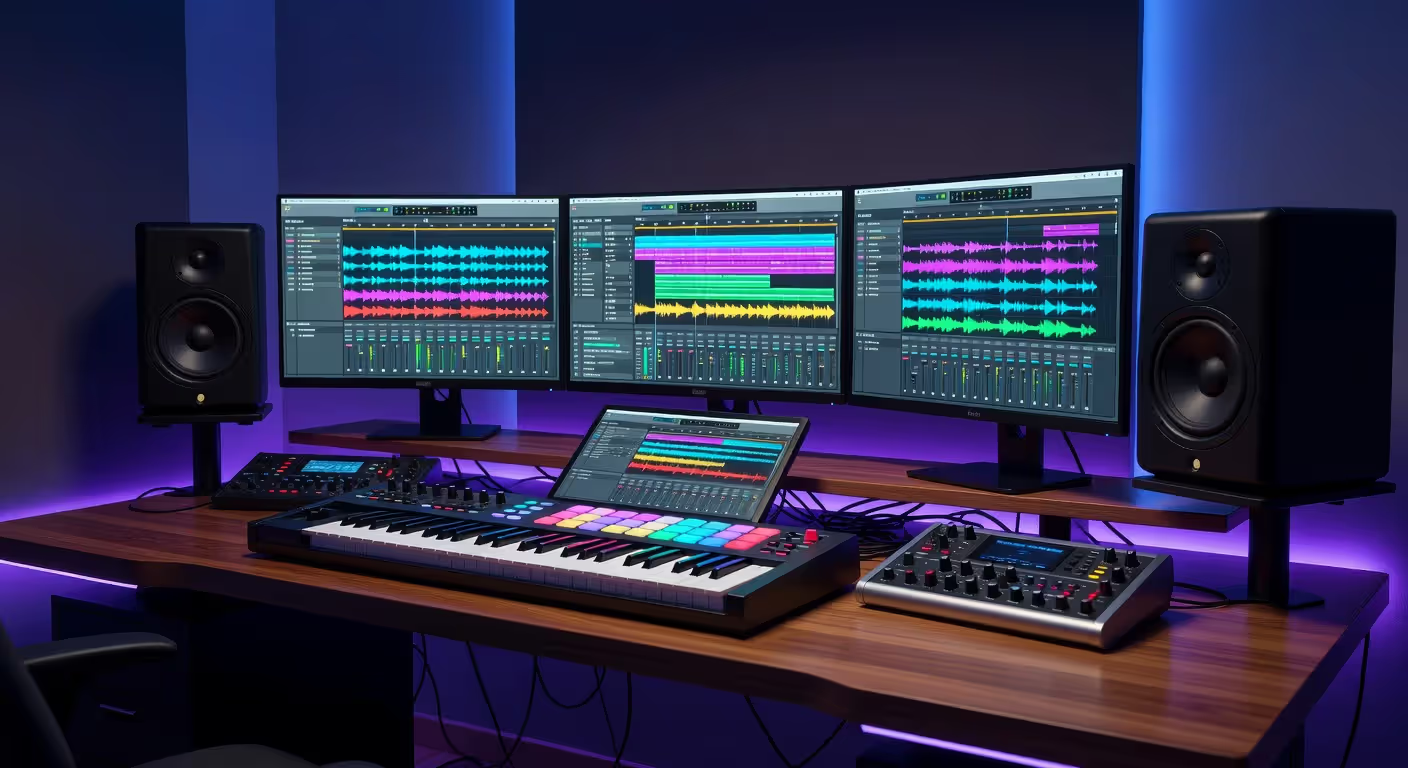
Digital Audio Workstations (DAWs) for Beat Production
Every producer needs a DAW. It's the central hub where everything comes together — the software for beat making that records, arranges, edits, and mixes your tracks. Think of it as the canvas and the toolbox combined.
FL Studio dominates hip-hop and trap production. Its pattern-based workflow clicks with producers who think in loops and repeating sections. You can sketch ideas fast, then rearrange them later. The piano roll is smooth, and the step sequencer feels intuitive if you're coming from hardware drum machines.
Ableton Live appeals to electronic producers and anyone who performs live. Session View lets you trigger loops and experiment without committing to an arrangement. The workflow encourages happy accidents. Arrangement View handles the traditional timeline approach when you're ready to finalize the track.
Logic Pro gives Mac users a polished, complete package at a one-time price. The stock plugins rival third-party options, and the sound library is massive. It's popular in pop and R&B production circles. The learning curve is moderate — not as steep as Pro Tools, not as immediate as FL Studio.
Pro Tools remains the industry standard for professional studios, though it's less common for pure beat-making. Engineers and producers who work with live instruments or vocalists often prefer it. The editing tools are precise, but the MIDI workflow feels less fluid than FL Studio or Ableton.
Author: Declan Wrenford;
Source: lamat-records.com
Here's how the major DAWs stack up for tools for making beats:
| DAW | Price | Best For | Learning Curve | Key Features | Platform |
| FL Studio | $99–$499 | Hip-hop, trap, EDM | Easy | Pattern-based workflow, excellent piano roll, lifetime free updates | Windows, Mac |
| Ableton Live | $99–$749 | Electronic, live performance, experimental | Moderate | Session View, powerful warping, Max for Live integration | Windows, Mac |
| Logic Pro | $200 one-time | Pop, R&B, all-around production | Moderate | Huge sound library, polished interface, Smart Tempo | Mac only |
| Pro Tools | $99–$599/year | Professional mixing, vocal production | Steep | Industry-standard editing, best for collaboration with studios | Windows, Mac |
The pattern I see most often: beginners start with FL Studio or Ableton's intro tier, then stick with it for years because switching DAWs means relearning muscle memory.
MIDI Controllers and Drum Machines
Software handles the brains of modern production, but hardware gives you tactile control. MIDI controllers don't make sound themselves — they send instructions to your DAW and plugins. Drum machines can work standalone or integrate into a computer setup.
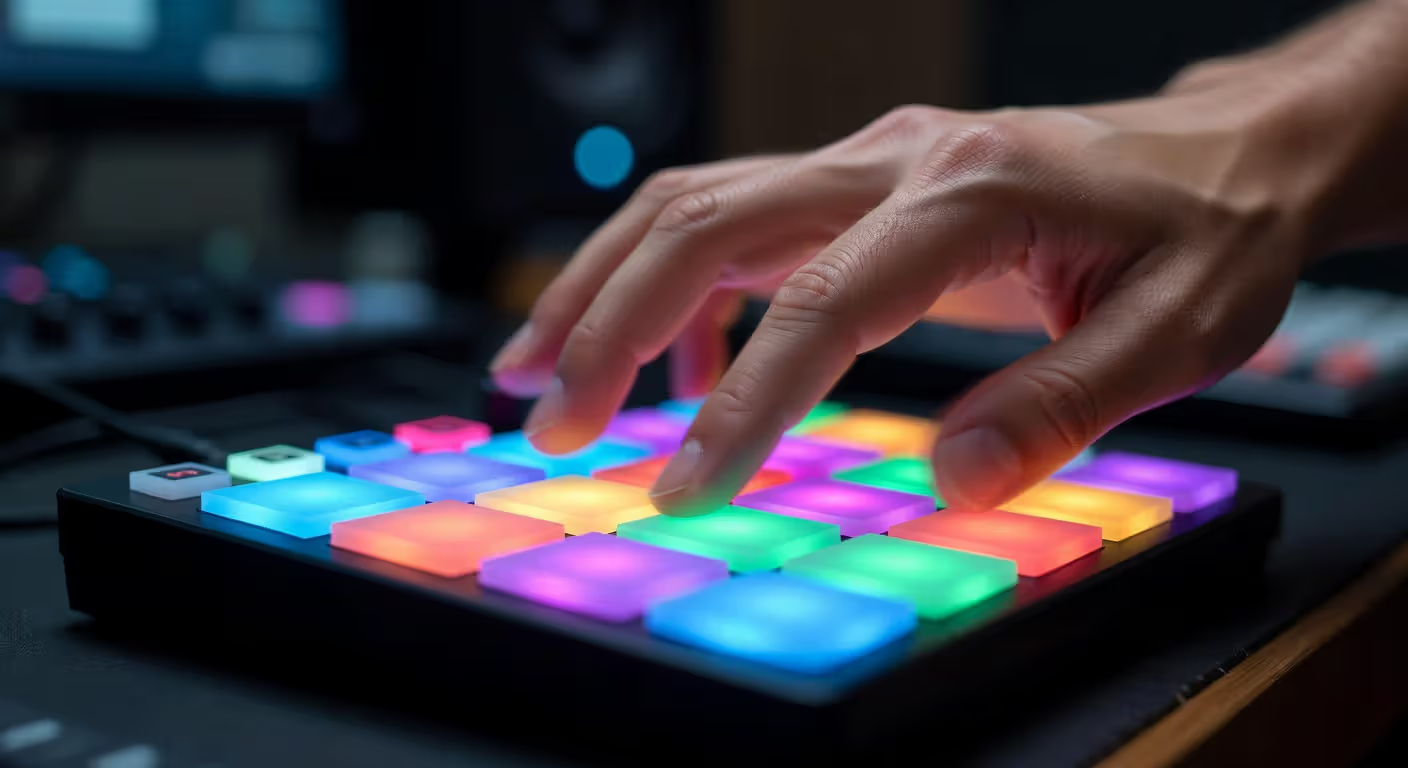
Pad controllers like the Akai MPD series or Native Instruments Maschine put 16 velocity-sensitive pads under your fingers. You tap out drum patterns, trigger samples, and play melodic parts by assigning different sounds to each pad. The physical feedback makes programming beats feel more natural than clicking with a mouse.
Hardware drum machines — the Roland TR-8S, Elektron Digitakt, or classic MPC models — offer a different experience. They have their own sound engines, sequencers, and often built-in effects. You can make complete beats without a computer. Many producers use them as both sound sources and MIDI controllers, getting the best of both worlds.
The trade-off: pad controllers are cheaper and more flexible (they control whatever software you load), but they're useless without a computer. Standalone drum machines cost more and have learning curves, but they're inspiring in a way that software often isn't. You're not staring at a screen.
MIDI Keyboards vs. Pad Controllers
MIDI keyboards work better for melodic content — basslines, chords, lead melodies. The piano-style layout makes music theory intuitive if you have any keyboard experience. Most come with knobs and faders for tweaking plugin parameters.
Pad controllers excel at drums and percussive elements. The square pads respond to finger drumming techniques that don't translate well to keys. If you're programming trap hi-hats or chopping samples, pads feel right.
Some equipment for producing beats combines both. The Akai MPK series puts pads and keys on the same unit. It's a smart choice if desk space is tight or you want one controller that handles everything.
Author: Declan Wrenford;
Source: lamat-records.com
Essential Plugins and Virtual Instruments
Your DAW comes with built-in instruments, but third-party plugins expand your sonic palette. Virtual instruments (VSTs) recreate everything from vintage synthesizers to orchestral sections, all running inside your software for beat making.
Drum plugins are the foundation. Battery, Addictive Drums, and Superior Drummer load multi-sampled acoustic kits with dozens of mix-ready presets. For electronic drums, Splice Sounds and XO by XLN Audio organize thousands of samples in browsable interfaces. You'll use these on nearly every beat.
Synthesizers generate sounds from scratch. Serum dominates modern production with its visual workflow and clean sound. Omnisphere offers a massive library of preset sounds across every genre. Analog Lab gives you emulations of classic hardware synths. Even free options like Vital compete with paid plugins now.
Bass plugins deserve special mention. SubLab and Trilian specialize in low-end that translates across different playback systems. Getting bass right makes or breaks a beat, and these tools help you avoid the common mistake of bass that sounds huge on studio monitors but disappears on earbuds.
Effects plugins shape your sounds. You'll reach for EQ, compression, reverb, and delay constantly. Stock plugins handle these basics fine, but character plugins like Soundtoys or FabFilter add color and workflow improvements that speed up your process.
Audio Interfaces and Studio Monitors
An audio interface converts analog signals to digital and back. If you're recording vocals, live instruments, or hardware synths, you need one. Even if you work entirely with software, a decent interface improves your monitoring quality compared to a laptop's headphone jack.
Entry-level interfaces like the Focusrite Scarlett series or PreSonus AudioBox start around $100. They give you two inputs, phantom power for condenser mics, and low-latency monitoring. Mid-tier options (Universal Audio, Audient) add better preamps and conversion quality that you'll hear in the clarity of your recordings.
Studio monitors are speakers designed for accurate sound reproduction, not hyped bass or boosted highs. They show you what's really in your mix. KRK Rokits and Yamaha HS series dominate home studios. Adam Audio and Focal take over in professional spaces.
The room matters as much as the speakers. Untreated rooms create false bass buildup and reflections that fool your ears. Basic acoustic treatment — foam panels, bass traps in corners — makes budget monitors sound dramatically better. Skip the treatment and even expensive monitors lie to you.
Headphones work when you can't use monitors. Audio-Technica M50x and Beyerdynamic DT 770 are studio standards. The danger: bass response in headphones doesn't match what speakers do, so beats mixed only on headphones often sound wrong on other systems. Use both if possible.
The tools don't make you a better producer. They make you faster at executing the ideas you already have. I've heard incredible beats made on a laptop with free plugins, and terrible ones made in million-dollar studios. Your ears and your taste matter more than your gear list.
— Beato Rick
Sample Libraries and Sound Packs
Samples are pre-recorded sounds you drop into your beats — drum hits, melodic loops, vocal chops, sound effects. They're how producers build beats quickly without playing every element from scratch. Some producers build entire tracks from samples. Others use them as starting points or layering elements.
One-shots are single sounds: a kick drum, a snare, a piano note. You arrange them in your DAW to create patterns. Loop packs contain pre-arranged musical phrases — an eight-bar guitar riff, a vocal hook, a synth progression. Loops speed up the creative process but risk sounding generic if you don't flip or process them.
Splice and Loopcloud are subscription services with millions of samples. You download individual sounds instead of buying whole packs, which prevents your hard drive from filling with samples you'll never use. The search and preview features help you find sounds fast.
Genre-specific packs from producers like Cymatics, Black Octopus, or Kingsway Music Library give you curated sounds that fit particular styles. A good trap pack includes the 808s, hi-hats, and snares that define the genre. An R&B pack focuses on smooth keys, bass, and drum textures.
The legal side matters. Royalty-free samples are cleared for commercial use. Some packs require credit or limit how you can use them. Read the license. Major-label releases have been pulled over uncleared samples, and it's not worth the risk.
Author: Declan Wrenford;
Source: lamat-records.com
How Producers Combine These Tools in Their Workflow
The typical beat making setup starts with inspiration — a melody in your head, a sample you found, or just messing around until something clicks. Most producers open their DAW and start with drums or a melodic idea, depending on what sparked the concept.
Drums-first producers load a drum plugin or samples and program a basic pattern. Kick and snare establish the groove. Hi-hats and percussion add movement. They'll loop this eight-bar section and build everything else around the rhythm.
Melody-first producers start with chords or a bassline. They might play something on a MIDI keyboard, browse presets in a synth plugin, or chop up a sample. Once the harmonic foundation exists, they add drums that complement the melodic rhythm.
Layering comes next. That single kick gets reinforced with a sub-bass layer for weight and a mid-range click for punch. The snare gets doubled with a clap. Melodic elements stack — a pad underneath, a lead on top, ear candy fills in the gaps.
Arrangement turns your loop into a song structure. Intro, verse, chorus, bridge, outro. You mute elements in some sections, add filters and effects for transitions, create builds and drops. Most producers work in their DAW's timeline view for this stage.
Mixing balances levels, applies EQ to carve out frequency space, and adds effects. Compression glues elements together. Reverb and delay create space. Automation makes the mix evolve over time. This stage separates amateur beats from professional ones — the same sounds mixed well hit completely differently.
The workflow varies by producer. Some finish beats in two hours. Others spend days tweaking. Some producers use templates with pre-loaded instruments and effects to speed up the process. Others start fresh every time to avoid creative ruts.
Budget-Friendly vs. Professional Setups
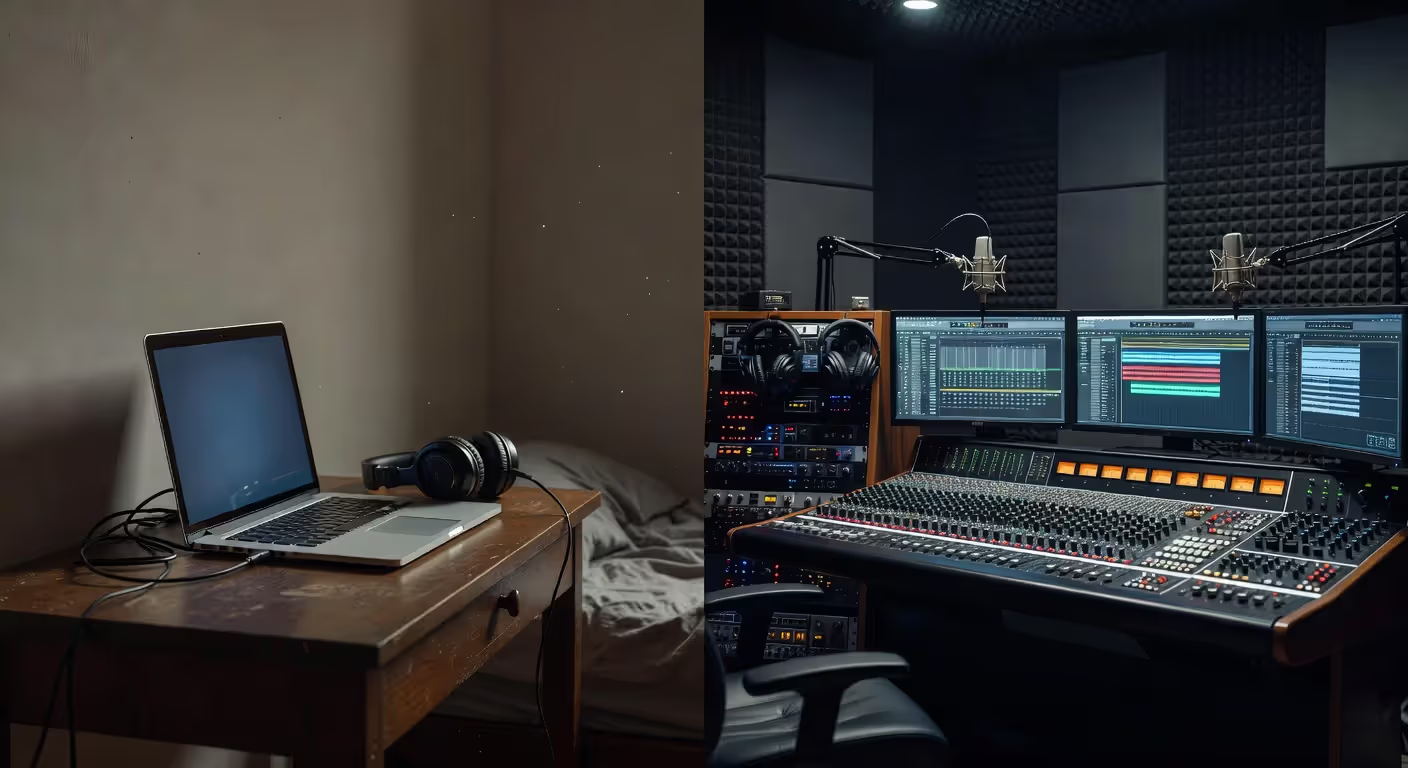
You can start making beats for under $300. A laptop, free DAW (Reaper or Ableton Lite), free plugins (Vital, Spitfire Labs), and headphones you already own. Add a cheap MIDI keyboard if you want hands-on control. This setup won't limit your creativity — only your efficiency and sound quality.
The $1,000–$2,000 range gets you serious. A paid DAW, a decent audio interface, entry-level studio monitors, a pad controller or MIDI keyboard, and a few key plugins. This covers the beat production essentials without waste. Most successful producers started here.
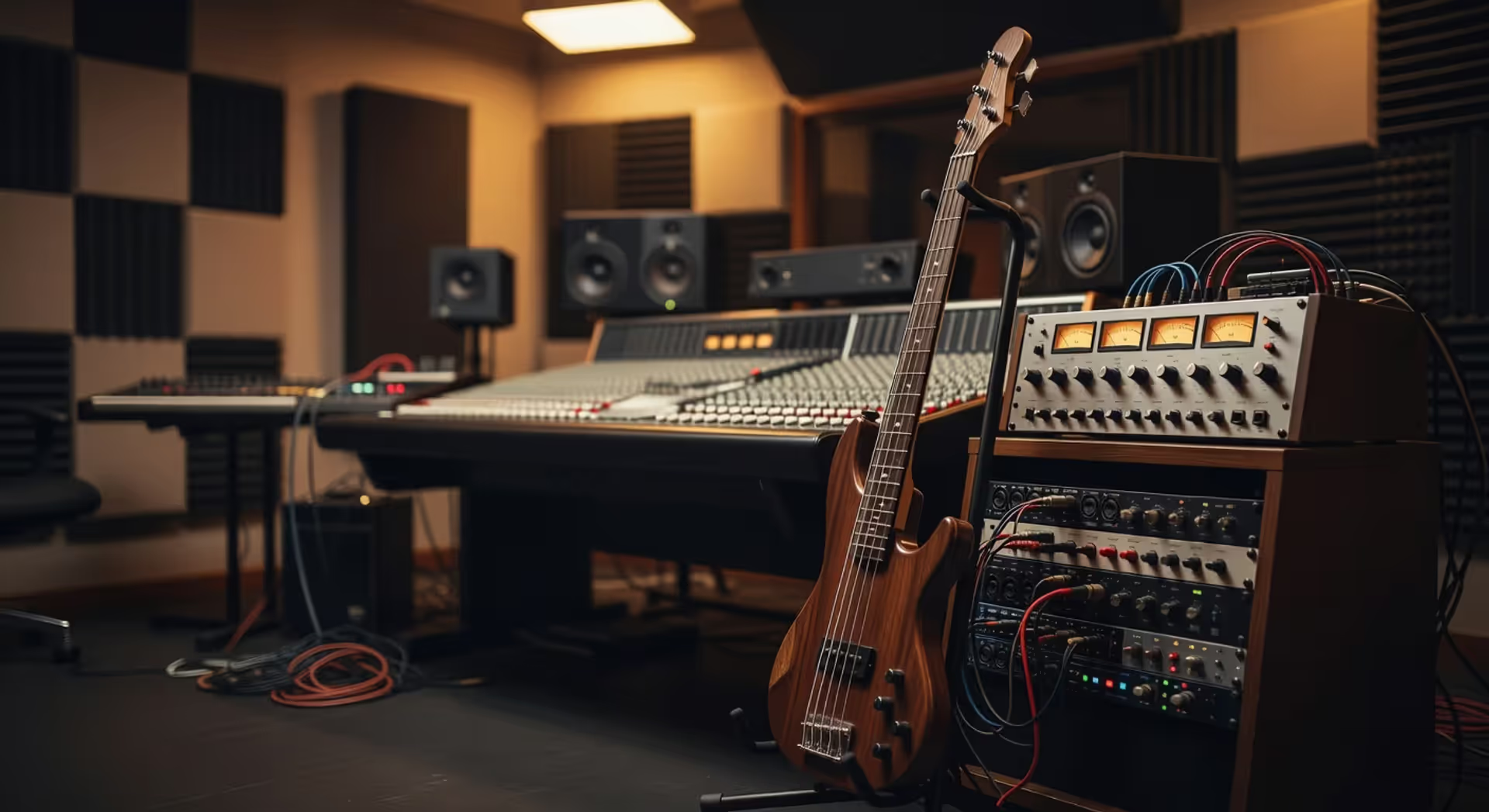
Professional setups run $5,000–$20,000+. Multiple monitors and subwoofer, treated room, high-end interface, hardware synthesizers and drum machines, extensive plugin collection, comfortable chair and desk. The sound quality improves, but more importantly, the workflow becomes effortless. You spend time creating instead of fighting your tools.
The common mistake: buying gear instead of learning your existing tools. A new plugin won't make your beats better if you haven't mastered the ones you have. The producers with minimal setups who make fire beats aren't limited by gear — they've squeezed every drop of potential from what they own.
Start small. Learn your DAW inside out. Add gear when you hit specific limitations, not because you're bored or think new equipment will solve creative problems. It won't.
Author: Declan Wrenford;
Source: lamat-records.com
Famous producers prove the point. Metro Boomin started on a laptop with FL Studio. Murda Beatz built his early sound with free plugins. They upgraded as their income grew, but the core skills came first. Your first setup should match your skill level, not your aspirations.
FAQ: Beat Making Tools Questions Answered
The gear matters less than you think. What do producers use to make beats? Whatever they've learned deeply enough to stop thinking about the tools and focus on the music. Start with the basics, learn them completely, and upgrade only when you're certain what's holding you back. Your next beat doesn't need new equipment — it needs your full attention and the skills you're building right now.
Related Stories
Read more
Read more

The content on this website is provided for general informational and educational purposes only. It is intended to explain concepts related to music production, recording, mixing, mastering, music industry roles, and distribution.
All information on this website, including articles, guides, and examples, is presented for general educational purposes. Results and success in music production may vary depending on skill level, equipment, and effort.
This website does not provide professional music production services or guarantees of commercial success, and the information presented should not be used as a substitute for consultation with qualified music producers, audio engineers, or music industry professionals.
The website and its authors are not responsible for any errors or omissions, or for any outcomes resulting from decisions made based on the information provided on this website.