
What Is MIDI Program Change and How Does It Work
What Is MIDI Program Change?

Content
Content
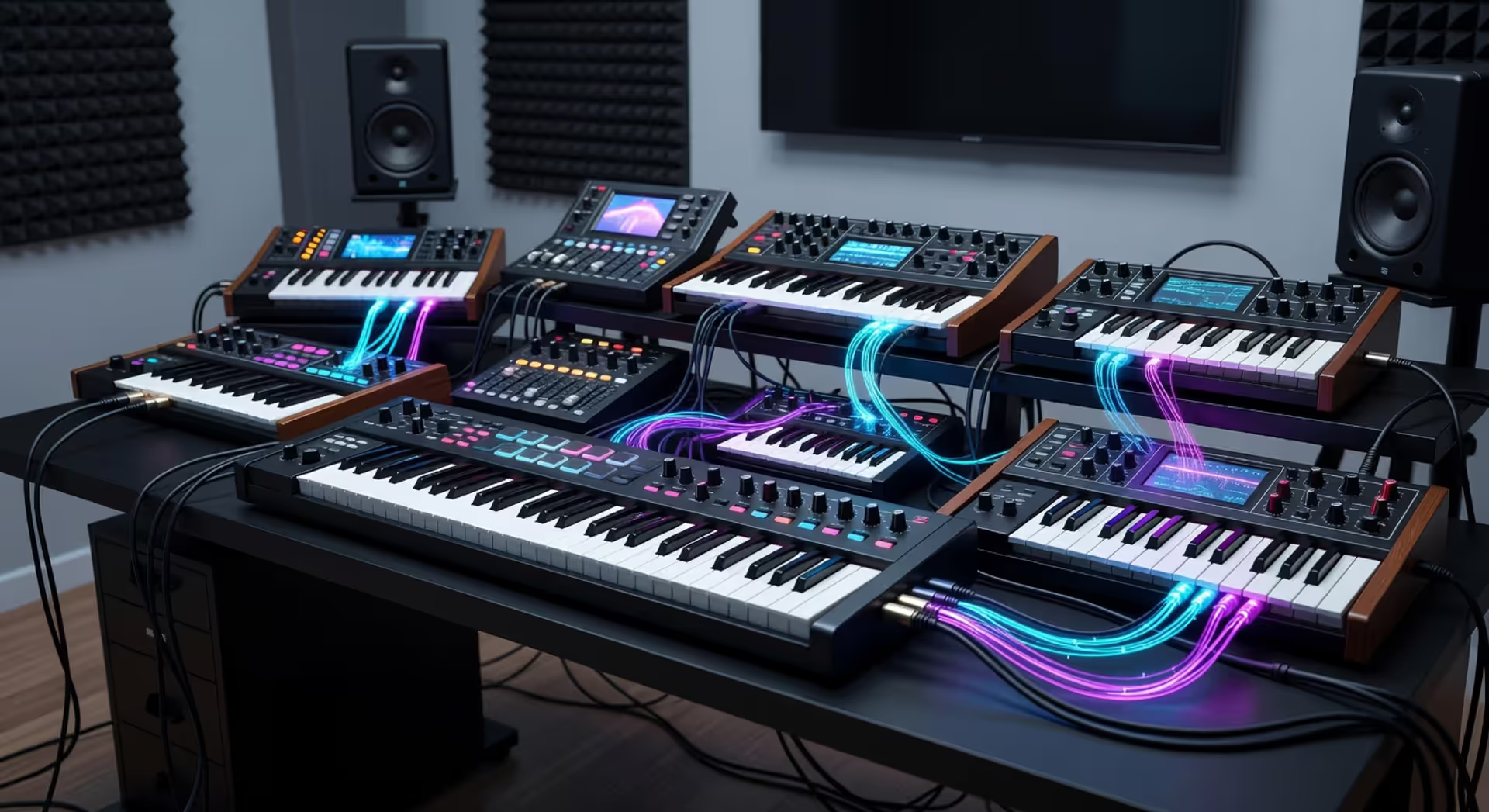
MIDI program change messages are the unsung heroes of modern music production. They let you switch sounds on synthesizers, modules, and virtual instruments instantly—without touching a knob or scrolling through menus. Whether you're building a complex orchestral arrangement in your DAW or performing live with hardware synths, understanding how these messages work can transform your workflow.
At its core, a program change message is a simple command. It tells a MIDI device "switch to sound number X." That's it. But the implications run deep, especially when you're juggling multiple instruments across different channels or trying to automate sound changes in a dense mix.
Understanding MIDI Program Change Messages
A MIDI program change message is a specific type of MIDI control message that instructs a receiving device to switch to a different sound preset or patch. The MIDI specification defines it as a channel voice message, meaning it targets one of the 16 available MIDI channels and affects only devices listening on that channel.
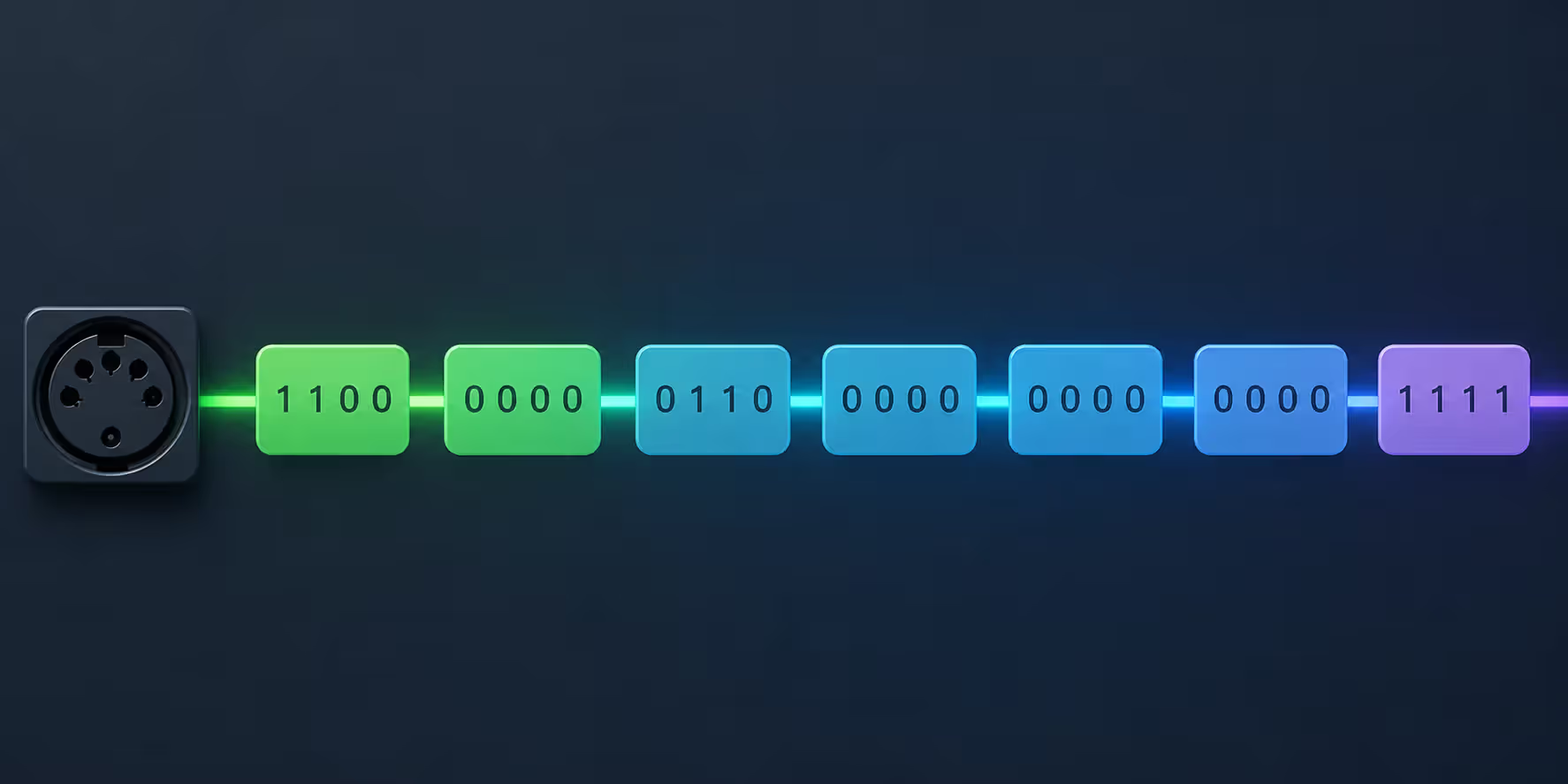
The technical structure is straightforward. Each program change message consists of two bytes: a status byte and a data byte. The status byte combines the message type (program change) with the MIDI channel number (1-16). The data byte carries the actual program number you want to select.
Here's where things get interesting. The data byte uses a range of 0-127, giving you 128 possible program selections per MIDI channel. That's the hard limit built into the MIDI 1.0 specification from 1983, and it still governs how program change messages work today.
Why 128 and not a round number like 100? MIDI uses 7-bit values for most data, which gives you 2^7 = 128 possible values. The eighth bit is reserved for other purposes in the MIDI protocol. This design choice has shaped how every MIDI device handles program changes for over four decades.
The channel assignment matters more than you might think. If you send a program change on channel 3, only devices listening to channel 3 will respond. This lets you control multiple instruments independently over a single MIDI cable—a game-changer when the standard was developed.
Author: Lena Corwyn;
Source: lamat-records.com
How Program Change Switches Instrument Patches
The signal flow is deceptively simple. You trigger a program change from a controller, sequencer, or DAW. That message travels through a MIDI cable (or USB-MIDI connection) to your target device. The device receives the message, checks which channel it's on, and if it matches the device's receive channel, it switches to the requested program number.
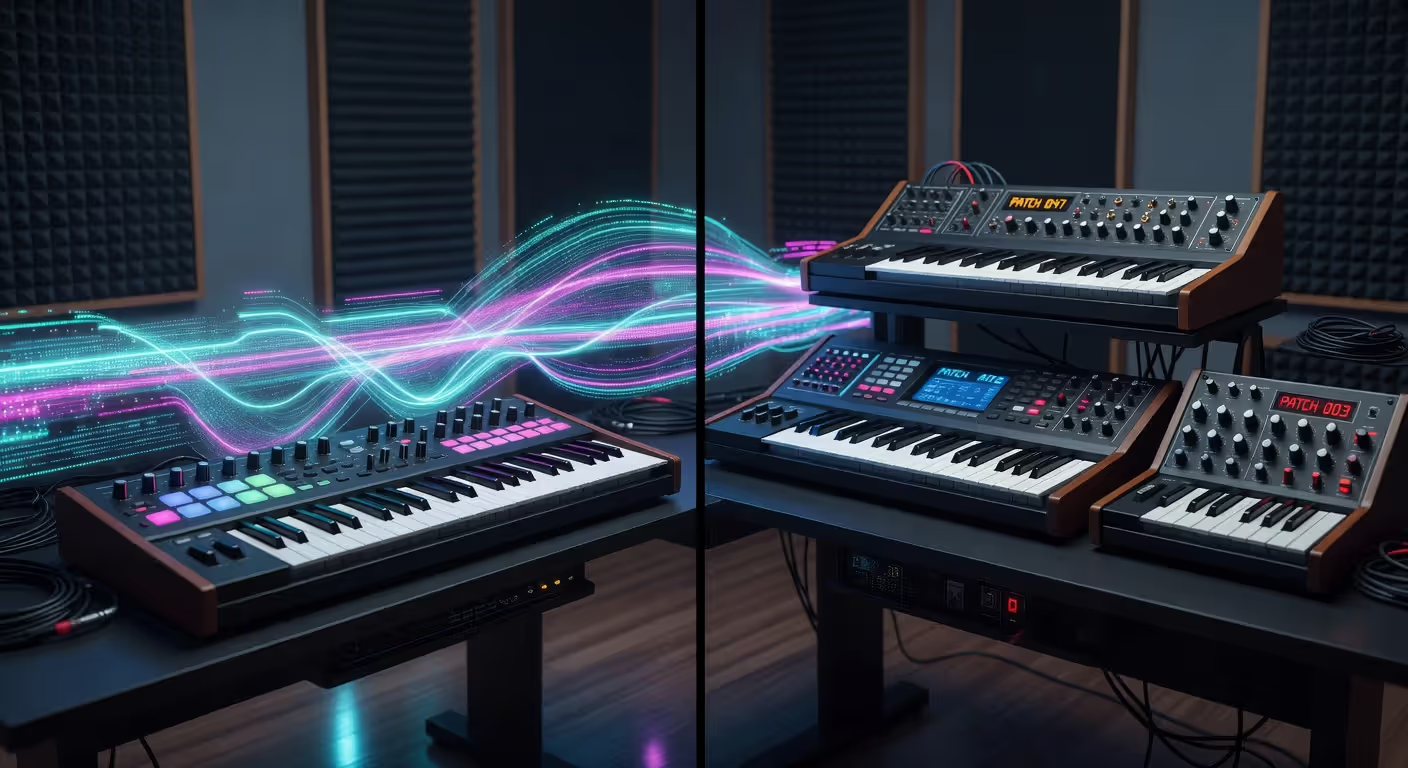
But what happens inside the receiving device? When a synthesizer gets a program change command, it loads a new set of parameters from memory. These parameters define everything about that sound: oscillator settings, filter cutoffs, envelope shapes, effects routing, and dozens of other values. The switch typically happens in milliseconds, though some older hardware might take longer.
Most modern devices respond instantly. You won't hear a gap or glitch. The pattern I see most often is that hardware synths from the past decade handle program changes more gracefully than vintage gear, which sometimes produces audible clicks or brief silences during the switch.
Bank Select Messages for Extended Patch Access
Here's the limitation: 128 programs per channel sounds like a lot until you're working with a rompler that has 1,000+ presets. That's where Bank Select messages come in.
Bank Select uses MIDI Control Change messages (CC 0 for MSB and CC 32 for LSB) to select different banks of 128 programs. You send the bank select first, then follow it with a program change. Together, they can address up to 16,384 banks × 128 programs = over 2 million patches theoretically, though no device actually implements that many.
The workflow looks like this: send CC 0 with the bank MSB value, send CC 32 with the bank LSB value (if the device uses it), then send the program change. Some devices only use CC 0, ignoring CC 32 entirely. Others require both. You'll need to check your device's MIDI implementation chart to know for sure.
Author: Lena Corwyn;
Source: lamat-records.com
Using Program Change in Music Production
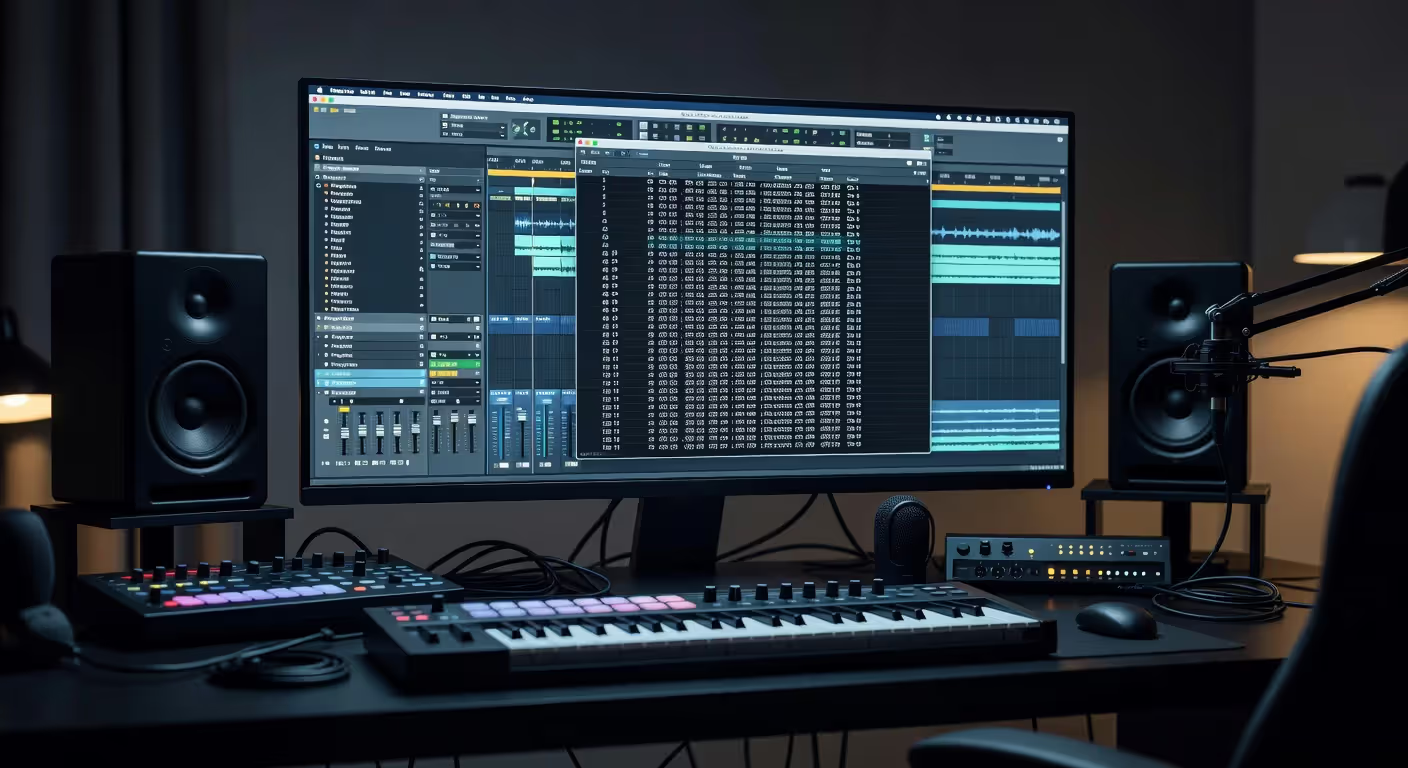
DAWs handle program changes in two main ways: as inserted events in MIDI clips or as automation data on a track. The approach you choose depends on your workflow and the complexity of your arrangement.
Inserting program changes directly into MIDI clips works well when you want sound changes tied to specific musical moments. You're building a track where the piano switches to strings at measure 33? Drop a program change event right at that measure. It'll fire every time playback hits that point.
Most DAWs display program changes as events in the piano roll or event list. In Ableton Live, you'll find them in the MIDI clip's envelope section. Logic Pro shows them in the event list. FL Studio lets you insert them in the piano roll. The interface varies, but the principle stays the same.
Automation offers more flexibility for complex projects. You can draw program changes on an automation lane, edit them visually, and see how they align with other automation parameters. This becomes invaluable when you're coordinating sound changes across multiple tracks simultaneously.
Here's a practical workflow example: you're scoring a film cue with a multi-timbral orchestral library. Violins on channel 1 need to switch from sustain to pizzicato at measure 12, then back to sustain at measure 20. Brass on channel 3 switches from ensemble to solo trumpet at measure 16. You'd insert program changes at each transition point, making sure each targets the correct channel.
One common mistake? Forgetting that program changes are channel-specific. If your orchestral library uses different MIDI channels for different sections, you can't send one program change and expect all instruments to switch. You'll need separate messages on each channel.
Controlling Hardware Synths with Program Change
Hardware setups demand a different approach. You're not clicking in a piano roll—you're sending real-time commands from a controller or sequencer to physical gear.
Most modern MIDI controllers let you send program changes via dedicated buttons or through their software editors. The Arturia KeyLab series, for instance, includes a program/bank select mode. The Novation Launchpad Pro lets you map pads to send specific program changes. Even simple controllers often include this functionality buried in their menus.
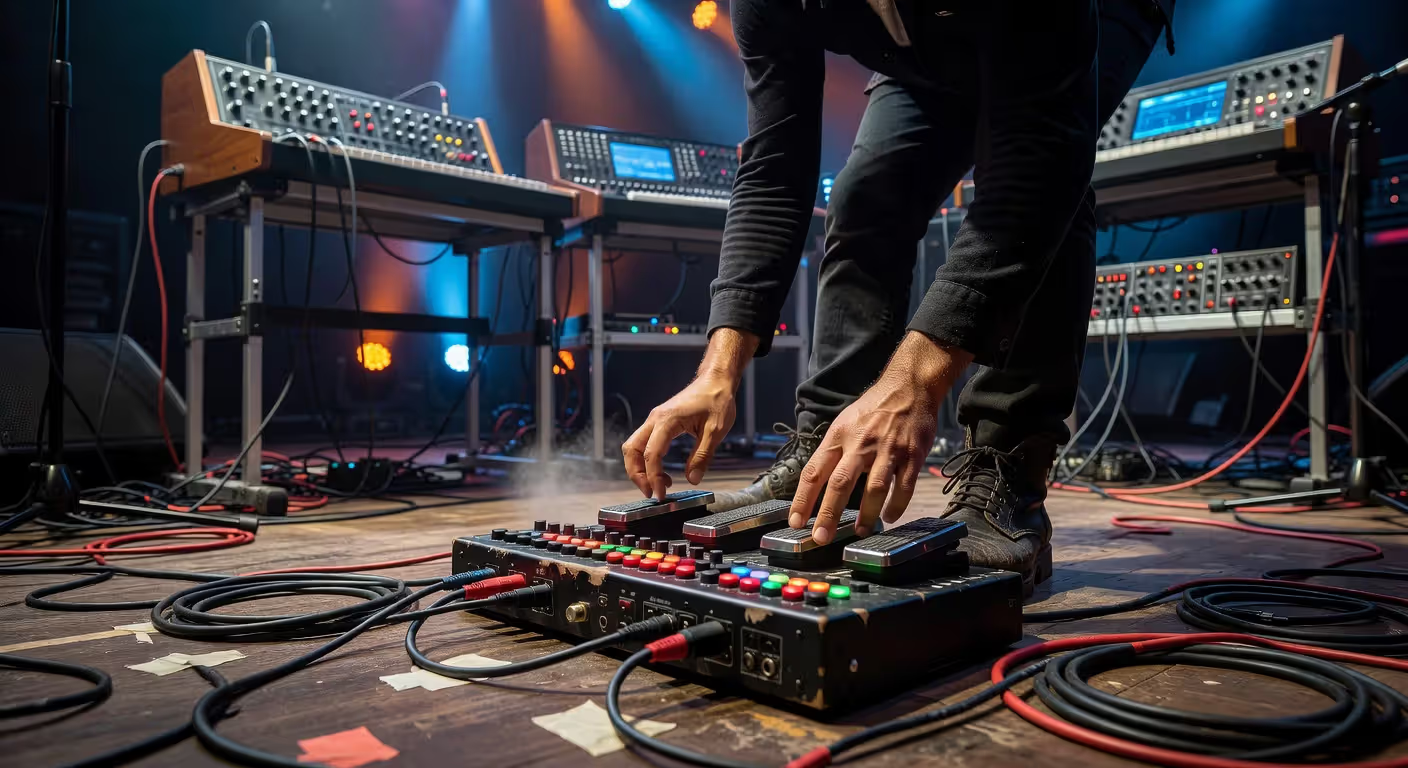
For live performance, patch switching needs to be instant and reliable. You can't afford to scroll through a synth's menu mid-song. The simpler option usually wins here: map controller buttons to send program changes for your most-used sounds, and test the setup thoroughly before the gig.
I've seen performers use foot controllers to send program changes, keeping their hands free for playing. The MIDI Solutions Footswitch Controller is a popular choice—it's just a box with footswitches that send whatever MIDI messages you program into it.
Troubleshooting device compatibility issues comes down to three main culprits: channel mismatch, bank select confusion, and numbering offsets. Always verify that your controller and synth are on the same MIDI channel. Check whether your synth requires bank select messages to access the programs you want. And watch out for the numbering confusion we'll cover in a moment.
Author: Lena Corwyn;
Source: lamat-records.com
Program Change vs Other MIDI Control Messages
MIDI offers several message types for controlling devices, and knowing which to use saves you from frustration. Program changes aren't the only tool in the box—they're just the most direct way to switch sounds.
| Message Type | Purpose | Data Range | Typical Use Case | Limitations |
| Program Change | Switch to a different sound preset/patch | 0-127 (128 programs) | Changing instrument sounds, selecting presets | Only 128 programs per channel without bank select |
| Control Change (CC) | Adjust continuous parameters | 0-127 per controller | Modulation wheel, volume, pan, expression | Not designed for preset recall |
| Bank Select (CC 0/32) | Extend program change to access additional banks | CC 0: 0-127, CC 32: 0-127 | Accessing programs beyond 128 in large sound libraries | Must be followed by program change; implementation varies by device |
| System Exclusive (SysEx) | Device-specific commands and bulk data transfer | Variable length, device-dependent | Transferring patches, deep editing, firmware updates | Not standardized; requires device-specific knowledge |
Control Change messages adjust parameters like volume, pan, or filter cutoff. They're continuous controllers, not preset selectors. You wouldn't use CC to switch from a piano sound to a bass sound—that's what program change does.
Bank Select technically is a Control Change message (CC 0 and CC 32), but it works in tandem with program change to extend the range of accessible sounds. Think of it as a prefix that says "look in this bank" before the program change says "now load this program."
SysEx messages handle device-specific tasks that don't fit into standard MIDI messages. Transferring a complete patch library from your computer to a synth? That's SysEx. Updating firmware? SysEx. But for everyday sound switching, program change is faster and simpler.
The program change message was designed to be the fastest, most efficient way to recall sounds during performance. We knew musicians needed instant access to different timbres without interrupting the music. That single message type has probably saved performers more time than any other feature in the MIDI specification.
— Kakehashi Ikutaro
Common Program Change Mistakes to Avoid
The numbering confusion trips up almost everyone at some point. MIDI's internal numbering runs 0-127, but many manufacturers display programs as 1-128 on their front panels. So MIDI program 0 appears as "Program 1" on the screen.
This creates real problems. You want the sound labeled "64" on your synth. Do you send program change 64 or 63? It depends on how the manufacturer implemented their display. Some devices let you choose whether to display 0-based or 1-based numbering in their settings.
The practical solution: test it. Send program change 0 from your DAW and see what program your synth actually loads. If it loads "Program 1," you know the device uses 1-based display numbering. Adjust your program change values accordingly.
Ignoring bank select requirements is another frequent mistake. You send program change 5, expecting to hear the lush pad from bank 3, but you get a piano instead. Why? Because you didn't send the bank select message first. The device defaulted to bank 0, and program 5 in bank 0 is a piano.
Always check your device's MIDI implementation chart. It'll tell you whether bank select is required and which CC numbers it uses. Not all devices use both CC 0 and CC 32—some only respond to CC 0.
Channel mismatch problems are straightforward but easy to overlook. Your controller is sending program changes on channel 1. Your synth is set to receive on channel 10. Nothing happens. You twist knobs, restart devices, check cables—when all you needed to do was match the channels.
Multi-timbral setups multiply the confusion. You've got a sound module with 16 parts, each on a different channel. You send program change on channel 1, and part 1 switches sounds as expected. But you forgot that part 5 also needs a program change on channel 5 to switch its sound. Each channel operates independently.
Author: Lena Corwyn;
Source: lamat-records.com
FAQ: MIDI Program Change Questions Answered
Understanding MIDI program change messages unlocks a level of control that makes complex productions manageable and live performances smooth. The technical details matter—channels, numbering systems, bank select coordination—but once you've got the basics down, switching sounds becomes second nature. Test your setup, document which program numbers correspond to which sounds, and you'll spend less time troubleshooting and more time making music.
Related Stories

Read more
Read more


The content on this website is provided for general informational and educational purposes only. It is intended to explain concepts related to music production, recording, mixing, mastering, music industry roles, and distribution.
All information on this website, including articles, guides, and examples, is presented for general educational purposes. Results and success in music production may vary depending on skill level, equipment, and effort.
This website does not provide professional music production services or guarantees of commercial success, and the information presented should not be used as a substitute for consultation with qualified music producers, audio engineers, or music industry professionals.
The website and its authors are not responsible for any errors or omissions, or for any outcomes resulting from decisions made based on the information provided on this website.