
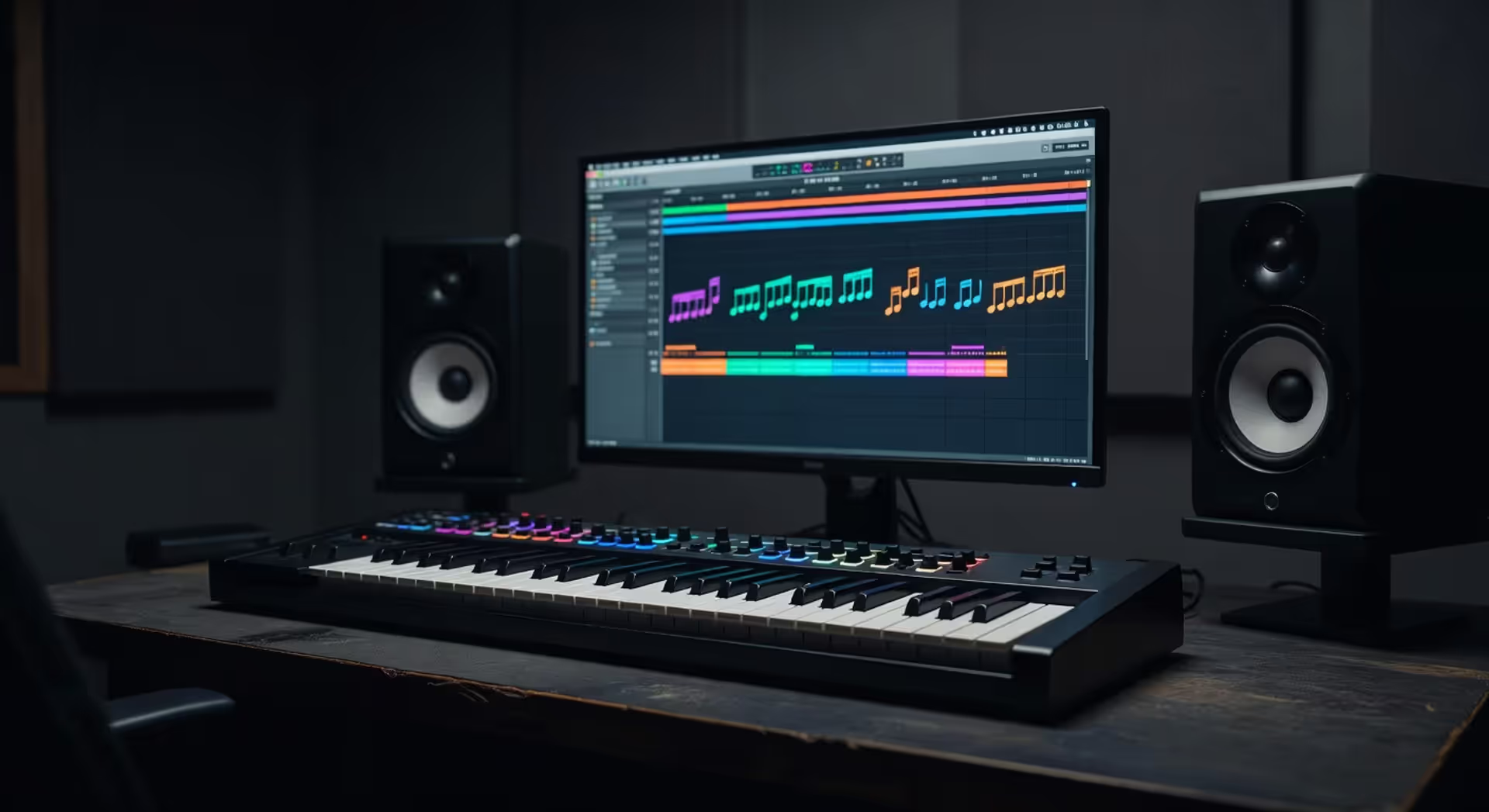
How to Use MIDI Scales for Music Production
How to Use MIDI Scales for Music Production?

Musical scales aren't just theory—they're the blueprint for every melody you'll ever program. When you're working in MIDI, understanding how scales map to note numbers transforms guesswork into intentional composition. You'll write faster, stay in key, and unlock harmonic ideas that actually sound good. Whether you're building a chord progression in Ableton or sketching a lead line in FL Studio, knowing your way around MIDI scales is the difference between hunting for notes and creating music that flows.
What Are MIDI Scales and Why They Matter
MIDI scales are simply musical scales represented as MIDI note numbers. Instead of thinking "C, D, E, F, G, A, B," you're working with numbers like 60, 62, 64, 65, 67, 69, 71. Same scale, different language.
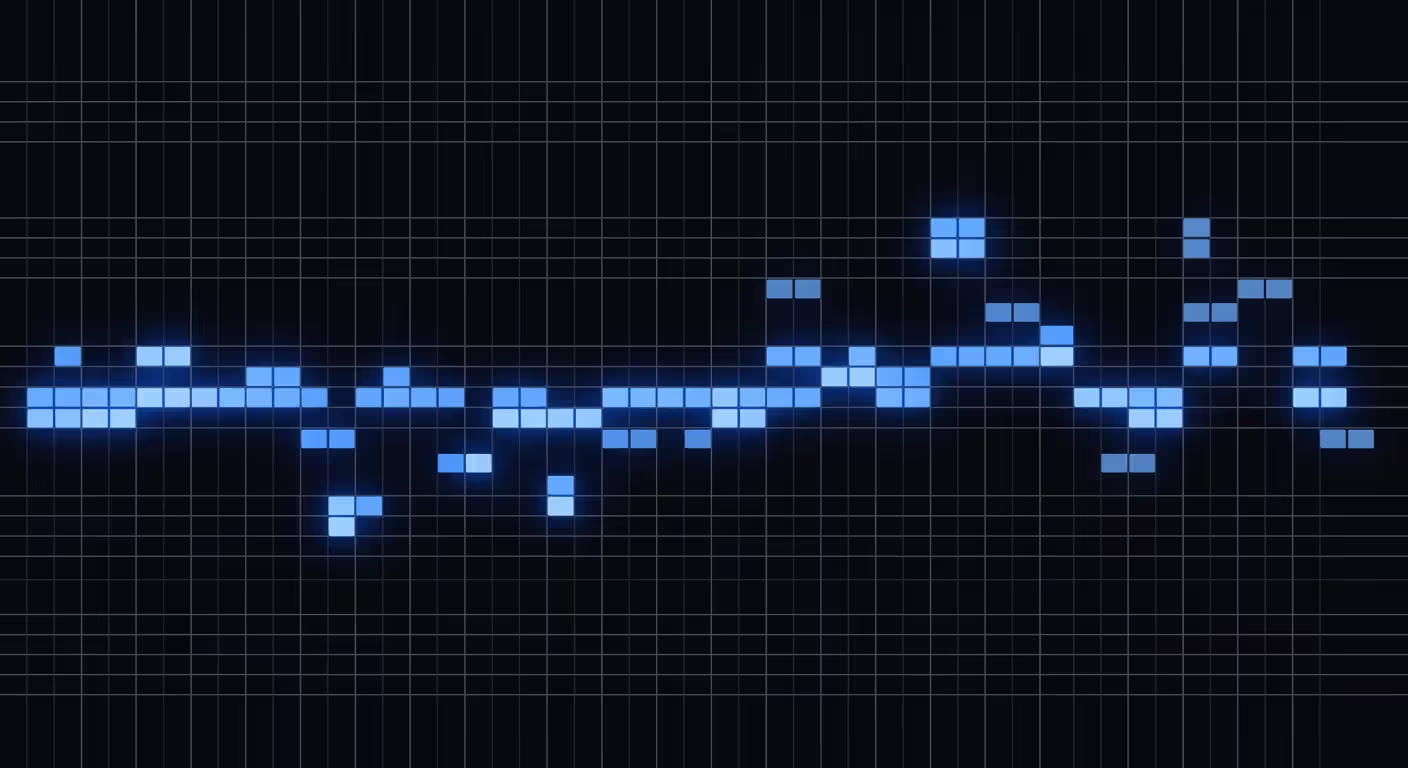
Why does this matter? Because your DAW speaks MIDI, not sheet music. When you draw notes in a piano roll or trigger sounds from a controller, you're sending MIDI note values. Understanding how scales map to these numbers helps you program melodies that stay in key without constant trial and error.
Traditional music theory teaches scales on a staff. That's great for classical training, but it doesn't translate directly to a grid-based piano roll. MIDI scales bridge that gap. They let you visualize intervals, transpose instantly, and apply scale modes without relearning theory from scratch.
Producers rely on MIDI scales for speed and accuracy. Lock your piano roll to a minor pentatonic scale, and every note you place will fit. No wrong notes, no dissonance unless you want it. This workflow advantage is why most modern DAWs include scale-highlighting features—they know you need guardrails when programming melodic content.
Author: Savannah Quillmere;
Source: lamat-records.com
The pattern I see most often is beginners ignoring scales entirely, then wondering why their melodies sound random. Scales aren't creative limits. They're the foundation that lets you build something coherent.
How MIDI Note Numbers Map to Musical Scales
MIDI uses numbers from 0 to 127 to represent every possible note. Middle C—the most common reference point—is MIDI note 60. Each step up or down is one semitone. So C# is 61, B is 59, and the C an octave higher is 72.
Octaves follow a simple pattern. Add or subtract 12 to move up or down one octave. If middle C is 60, then the C below is 48, and the C above is 72. This 12-semitone structure mirrors the chromatic scale, which includes all 12 pitches in Western music.
Scale degrees translate directly to MIDI intervals. Take a C major scale: C (60), D (62), E (64), F (65), G (67), A (69), B (71). The intervals between these notes—2, 2, 1, 2, 2, 2, 1 semitones—define the major scale formula. Change the root note, keep the intervals, and you've transposed the scale.
MIDI Note Scale Reference Chart
Here's a quick reference for the C major scale across three octaves:
| Note Name | MIDI Number (Octave 3) | MIDI Number (Octave 4) | MIDI Number (Octave 5) |
| C | 48 | 60 | 72 |
| D | 50 | 62 | 74 |
| E | 52 | 64 | 76 |
| F | 53 | 65 | 77 |
| G | 55 | 67 | 79 |
| A | 57 | 69 | 81 |
| B | 59 | 71 | 83 |
This chart assumes C4 = 60, the most common standard. Some older gear uses C3 = 60, so always check your DAW's MIDI settings if notes sound an octave off.
Common Scale Intervals in MIDI
Every scale has a unique interval pattern. Here are the formulas in semitones, starting from any root note:
- Major: 2-2-1-2-2-2-1
- Natural Minor: 2-1-2-2-1-2-2
- Harmonic Minor: 2-1-2-2-1-3-1
- Major Pentatonic: 2-2-3-2-3
- Minor Pentatonic: 3-2-2-3-2
- Blues: 3-2-1-1-3-2
If your root is MIDI note 60 (C), add these intervals cumulatively to find each scale degree. For C major pentatonic: 60, 62, 64, 67, 69. For C minor pentatonic: 60, 63, 65, 67, 70.
Understanding these intervals means you can build any scale from any starting note without memorizing every key signature.
Setting Up Scales in Your DAW or MIDI Editor
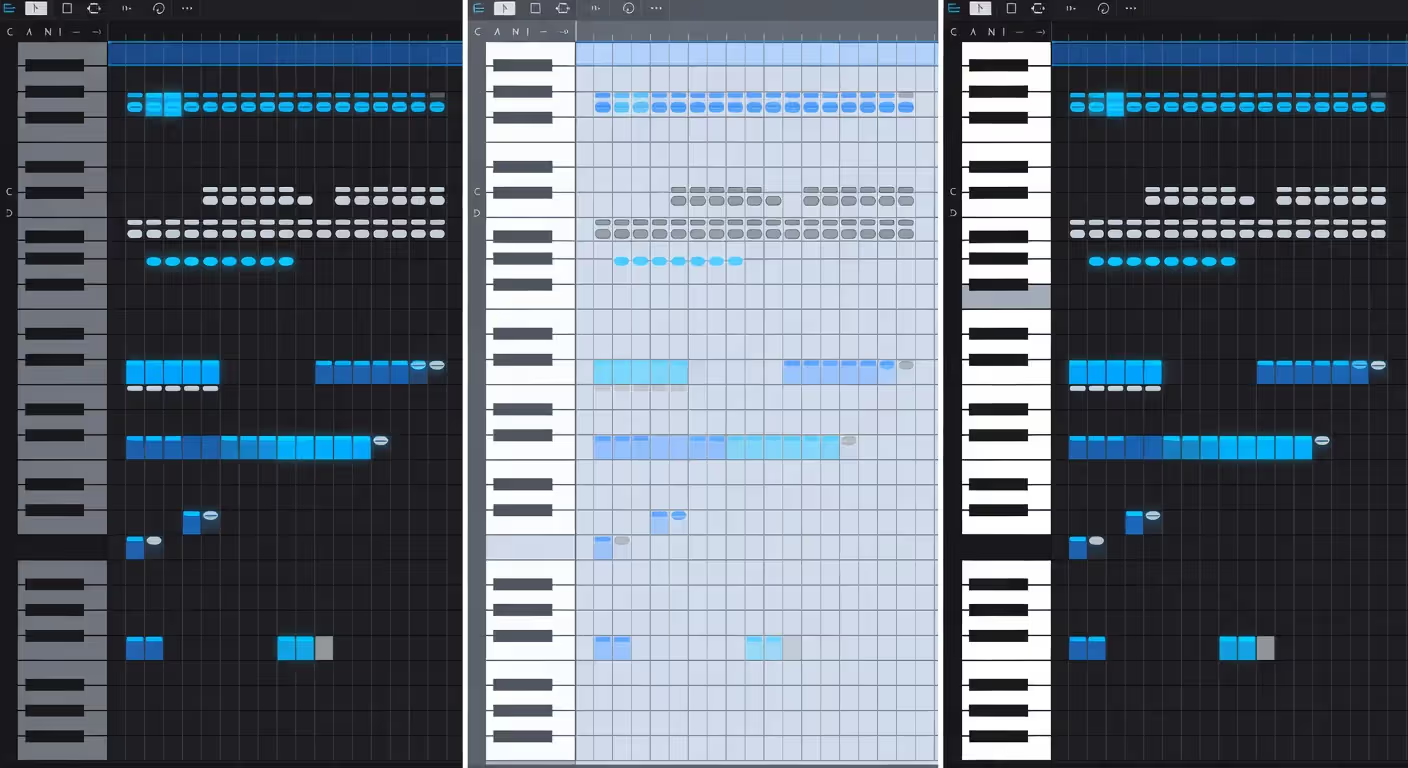
Most DAWs let you highlight or lock notes to a specific scale. This feature constrains your piano roll so only in-scale notes are visible or playable. It's a huge time-saver when programming melodies.
Ableton Live: Open the piano roll, click the "Scale" button in the bottom-left corner, then choose your root note and scale type. Ableton will fold out-of-scale notes or dim them, depending on your view settings. You can toggle scale mode on and off with a single click.
FL Studio: Right-click the piano roll background, select "Scale highlighting," then pick your root and scale. FL Studio color-codes scale notes in the grid. It doesn't hide other notes, so you can still add chromatic passing tones if you want.
Logic Pro: Click the Scale Quantize menu in the piano roll toolbar. Choose your key and scale, then enable "Snap to Scale" if you want notes to auto-correct to the nearest scale degree. Logic's implementation is more subtle—it guides rather than restricts.
Author: Savannah Quillmere;
Source: lamat-records.com
Once you've enabled scale mode, experiment with different scales to hear how they change the mood. A major scale sounds bright and resolved. Switch to natural minor, and the same melody turns melancholic. Dorian mode adds a jazzy, slightly ambiguous flavor.
One mistake: relying on scale lock so much that you never learn the intervals. Use it as training wheels, not a permanent crutch. Eventually, you'll want the freedom to add chromatic notes for tension or color.
Building Melodies with Scales in MIDI
Scales give you the raw material. Melodies come from how you arrange those notes in time and pitch.
Start with stepwise motion. Move from one scale degree to the next—C to D, D to E. This creates smooth, singable lines. Then add leaps—jump from C to G or E to A—to inject energy. Too many leaps sound disjoint. Too much stepwise motion sounds boring. Balance is key.
Pentatonic scales are beginner-friendly because they eliminate dissonant intervals. The five-note structure means almost any combination sounds decent. You can't really play a "wrong" note. That's why pentatonic minor is everywhere in rock, blues, and pop leads.
Diatonic scales (major and minor) give you seven notes, which means more harmonic options but also more ways to clash with your chords. If your chord progression is in C major, your melody should emphasize C, E, or G—the chord tones—on strong beats. Use D, F, A, or B as passing tones on weak beats.
Understanding scales and modes is what separates people who make loops from people who finish tracks. You don't need to be a theory genius, but you need to know what notes work together and why.
— Deadmau5 Joel Zimmerman
Layering melodic phrases is where scale modes shine. Play a chord progression in C major, then layer a melody in C Dorian over the top. The raised 6th degree (A instead of A♭) creates tension that resolves beautifully. This technique is common in progressive house and cinematic scoring.
One counterintuitive tip: don't stay in one scale for the entire track. Borrow notes from parallel modes or shift to a relative key during the chorus. Static harmony gets stale fast.
Common Mistakes When Programming MIDI Scales
Ignoring key signatures is mistake number one. If your chord progression is in G major but your melody is in C major, you'll have clashing notes. Always match your melody's scale to your harmonic foundation, or intentionally modulate between keys.
Overusing one scale mode makes your music predictable. If every track you write is in natural minor, listeners will tune out. Try Mixolydian for a rock vibe, Phrygian for something darker, or Lydian for dreamy, floating melodies.
Poor voice leading happens when melodic lines jump around too much or land on awkward intervals. If your melody ends on the 7th degree (the leading tone), it sounds unresolved. End on the root, 3rd, or 5th for a sense of closure.
Not humanizing MIDI velocity and timing is a dead giveaway that your track is programmed. Real musicians don't play every note at the same volume or perfectly on the grid. Add slight timing offsets (5–10 milliseconds early or late) and vary velocity by 10–20 points. This applies to scales just as much as chords or drums.
Another mistake: assuming scales are rigid rules. They're guidelines. If a "wrong" note sounds good in context, use it. Chromatic passing tones, blue notes, and borrowed chords all break scale rules—and they're often the most interesting parts of a melody.
Scale Modes in MIDI and When to Use Them
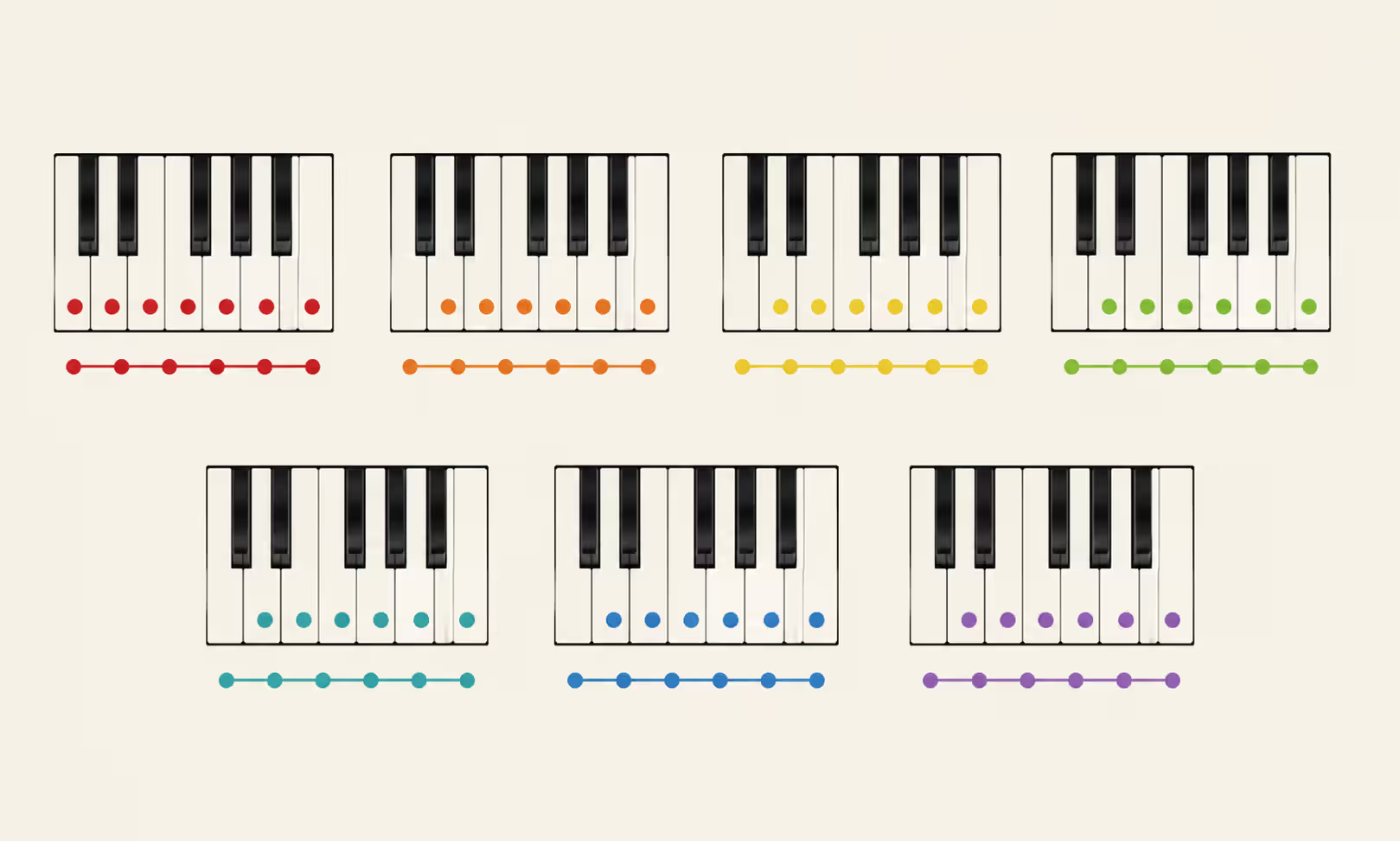
Modes are variations of the major scale, each starting on a different degree. They share the same notes but emphasize different tonal centers, which changes their emotional character.
Ionian (Major): The standard major scale. Bright, happy, resolved. Use it for pop, country, uplifting EDM. Example: C Ionian is C-D-E-F-G-A-B.
Dorian: Minor with a raised 6th. Jazzy, sophisticated, slightly melancholic but not tragic. Common in funk, jazz fusion, and progressive rock. D Dorian uses the same notes as C major but starts on D: D-E-F-G-A-B-C.
Phrygian: Minor with a lowered 2nd. Dark, exotic, Spanish or Middle Eastern flavor. Great for metal, flamenco, or cinematic tension. E Phrygian: E-F-G-A-B-C-D.
Lydian: Major with a raised 4th. Dreamy, ethereal, floating. Used in film scores and ambient music. F Lydian: F-G-A-B-C-D-E.
Mixolydian: Major with a lowered 7th. Bluesy, rock-oriented, less resolved than Ionian. Think classic rock riffs and country leads. G Mixolydian: G-A-B-C-D-E-F.
Aeolian (Natural Minor): The standard minor scale. Sad, introspective, emotional. The go-to for ballads and moody tracks. A Aeolian: A-B-C-D-E-F-G.
Locrian: Minor with a lowered 2nd and 5th. Dissonant, unstable, rarely used as a home key. Appears in jazz and experimental music. B Locrian: B-C-D-E-F-G-A.
Author: Savannah Quillmere;
Source: lamat-records.com
| Mode | Interval Pattern | Starting MIDI (C root) | Emotional Character | Genre Application |
| Ionian | 2-2-1-2-2-2-1 | 60-62-64-65-67-69-71 | Bright, happy, resolved | Pop, EDM, country |
| Dorian | 2-1-2-2-2-1-2 | 60-62-63-65-67-69-70 | Jazzy, sophisticated | Funk, jazz, progressive |
| Phrygian | 1-2-2-2-1-2-2 | 60-61-63-65-67-68-70 | Dark, exotic, tense | Metal, flamenco, cinematic |
| Lydian | 2-2-2-1-2-2-1 | 60-62-64-66-67-69-71 | Dreamy, ethereal | Film scores, ambient |
| Mixolydian | 2-2-1-2-2-1-2 | 60-62-64-65-67-69-70 | Bluesy, rock-oriented | Rock, blues, country |
| Aeolian | 2-1-2-2-1-2-2 | 60-62-63-65-67-68-70 | Sad, introspective | Ballads, emotional tracks |
| Locrian | 1-2-2-1-2-2-2 | 60-61-63-65-66-68-70 | Dissonant, unstable | Jazz, experimental |
The simpler option usually wins here: start with Ionian, Aeolian, and Dorian. Master those three, then explore the others as you need specific colors.
FAQ: MIDI Scales Questions Answered
MIDI scales aren't magic, but they're close. They turn abstract theory into a practical toolkit you can use every time you open your DAW. Map your scales, learn the intervals, and experiment with modes until you find the sounds that fit your vision. You'll write faster, stay in key, and unlock melodic ideas that actually resonate. The more you practice programming with scales, the less you'll think about the rules—and the more you'll focus on making music that moves people.
Related Stories

Read more
Read more


The content on this website is provided for general informational and educational purposes only. It is intended to explain concepts related to music production, recording, mixing, mastering, music industry roles, and distribution.
All information on this website, including articles, guides, and examples, is presented for general educational purposes. Results and success in music production may vary depending on skill level, equipment, and effort.
This website does not provide professional music production services or guarantees of commercial success, and the information presented should not be used as a substitute for consultation with qualified music producers, audio engineers, or music industry professionals.
The website and its authors are not responsible for any errors or omissions, or for any outcomes resulting from decisions made based on the information provided on this website.