
What Does MIDI Stand For in Music
What Does MIDI Stand For in Music?

Content
Content
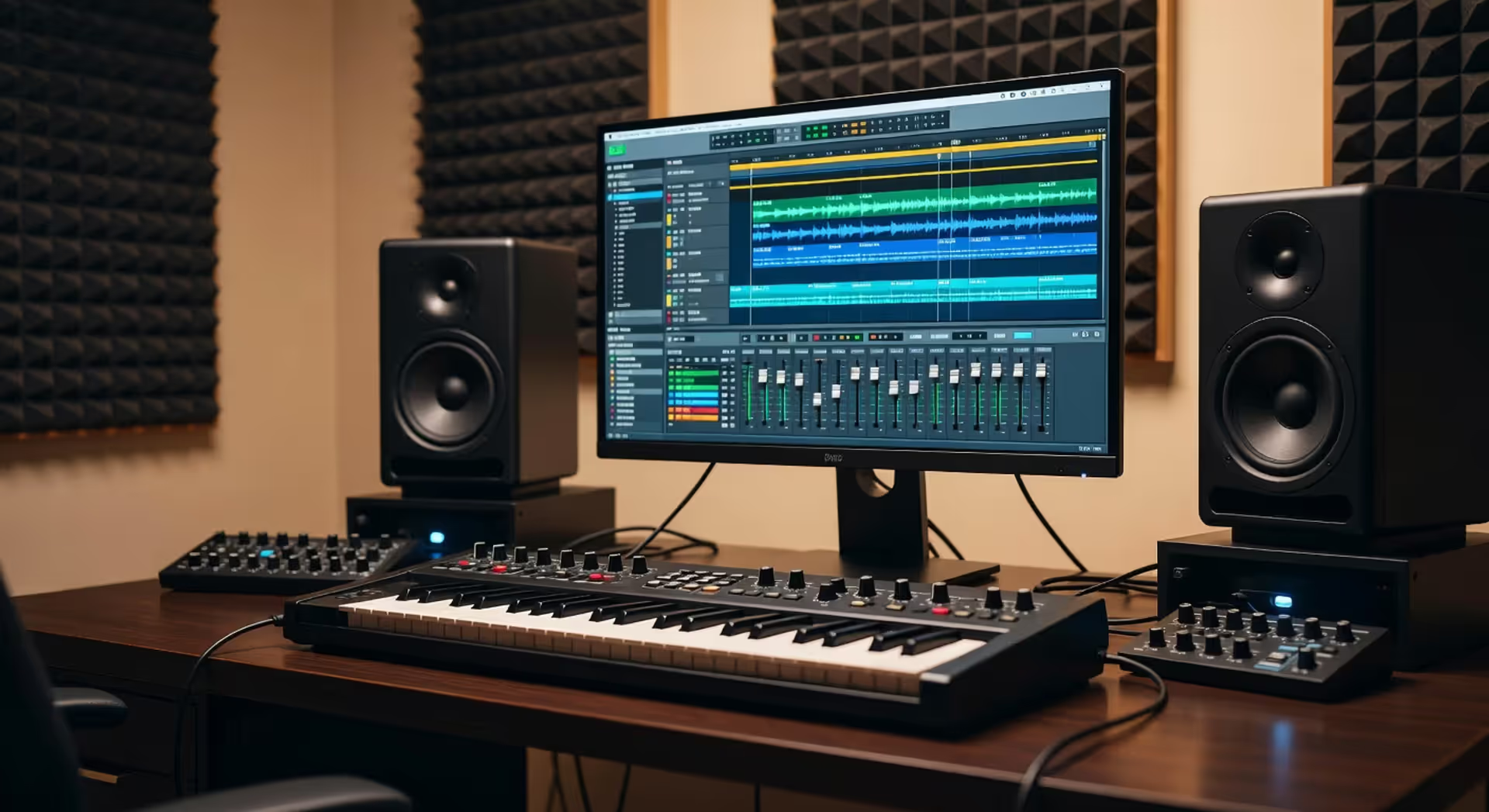
Musical Instrument Digital Interface. That's what MIDI stands for, and it's the invisible language that revolutionized how electronic music gets made. If you've ever wondered how a keyboard talks to a computer, or how producers layer dozens of virtual instruments without recording a single note of audio, MIDI is your answer.
This protocol turned music production from a hardware-only world into something far more flexible. It doesn't carry sound—it carries instructions. Think of it like sheet music for machines.
MIDI Meaning and Acronym Breakdown
Musical Instrument Digital Interface. Each word tells you something specific about what this technology does.
"Musical Instrument" clarifies the target. This wasn't designed for general computing—it was built specifically for music gear. "Digital" marks the shift from analog voltage control to binary data. "Interface" reveals its true purpose: connecting things.
The midi meaning in music goes beyond the acronym itself. It's a communication standard that lets electronic instruments, computers, and music software speak the same language. When the midi acronym explained to someone new, the easiest comparison is to a universal translator for music gear.
The name was chosen in 1981 during early development meetings. Engineers needed something descriptive but broad enough to cover the protocol's potential uses. They succeeded—MIDI works with synthesizers, drum machines, lighting systems, and even stage effects today.
One thing catches people off guard: MIDI doesn't make sound. It sends messages about sound. Note pitch, timing, duration, velocity—all transmitted as data packets. The receiving device interprets those instructions and generates the actual audio.
Author: Miles Arbordale;
Source: lamat-records.com
The Origins and History of MIDI
The origins of midi trace back to a problem every studio faced in the early 1980s. Electronic instruments from different manufacturers couldn't communicate. A Roland synthesizer couldn't control a Yamaha drum machine. Every brand used proprietary connection standards.
Dave Smith, founder of Sequential Circuits, presented a paper called "Universal Synthesizer Interface" at the 1981 Audio Engineering Society convention. His proposal outlined a digital protocol that any manufacturer could adopt. No licensing fees. No proprietary control.
Ikutaro Kakehashi, founder of Roland Corporation, saw the potential immediately. Rather than compete, major manufacturers collaborated—a rare move in any industry. Sequential Circuits, Roland, Yamaha, Korg, and Kawai formed a working group.
By 1983, they finalized MIDI 1.0 specification. The first MIDI-equipped instruments hit the market that same year: the Sequential Circuits Prophet-600 and Roland Jupiter-6.
I felt that all music instruments, regardless of manufacturer, should be compatible with each other. Music has no borders.
— Kakehashi Ikutaro
This collaborative spirit shaped music technology for decades. MIDI became the first universal standard in electronic music—and it's still the foundation today, more than 40 years later.
The timing mattered. Personal computers were becoming affordable. Music software was emerging. MIDI arrived just as the digital music revolution needed a common language.
How MIDI Works in Digital Music
MIDI in digital music operates on a simple principle: send instructions, not audio. When you press a key on a MIDI keyboard, it doesn't transmit the sound of a piano. It sends three pieces of data:
- Which note was pressed (pitch)
- How hard you pressed it (velocity)
- When you released it (note-off message)
That's it. The receiving device—a synthesizer, computer, sound module—interprets those instructions and generates sound based on its own internal sounds or samples.
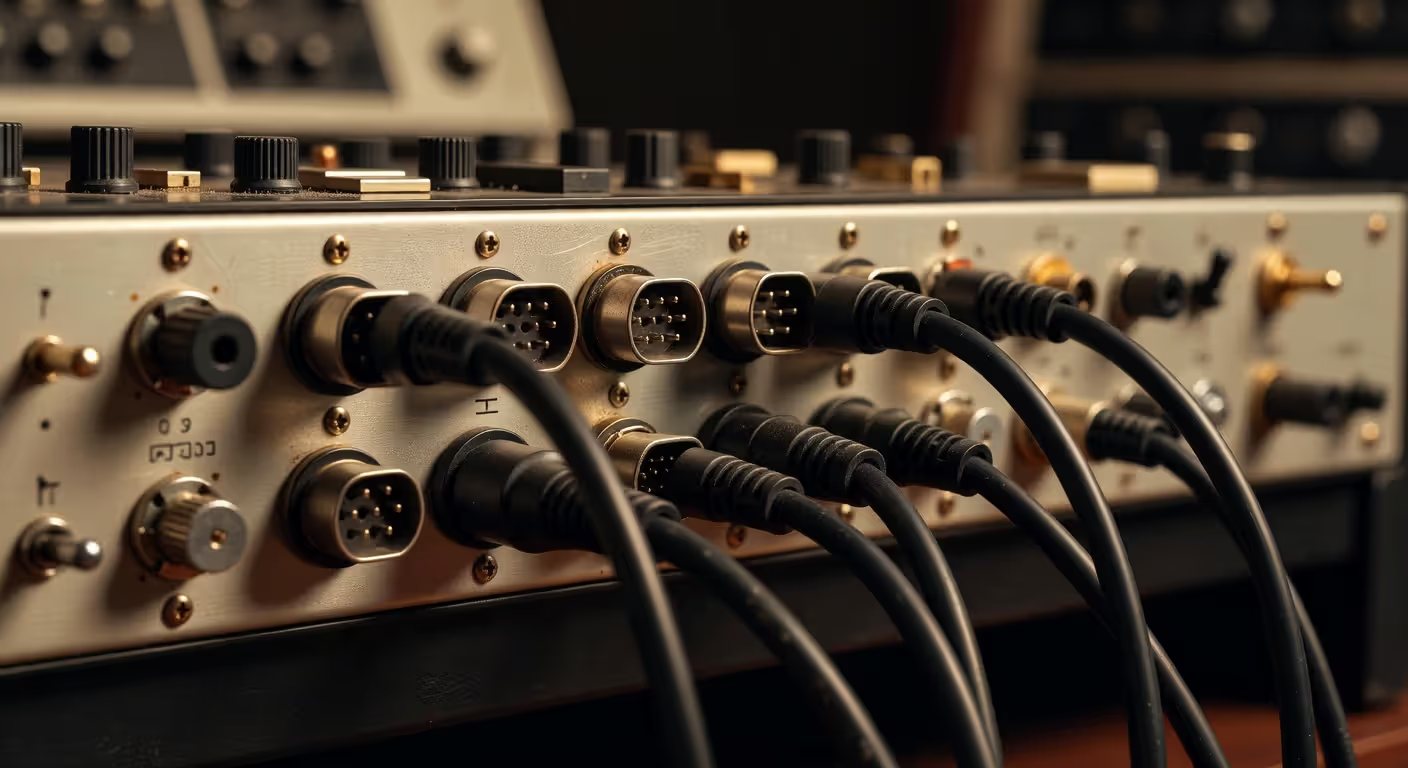
The midi protocol overview reveals a serial communication system running at 31,250 bits per second. Data travels through 5-pin DIN cables (on hardware) or USB connections (modern gear). Each MIDI cable can carry 16 independent channels, letting you control 16 different instruments through one connection.
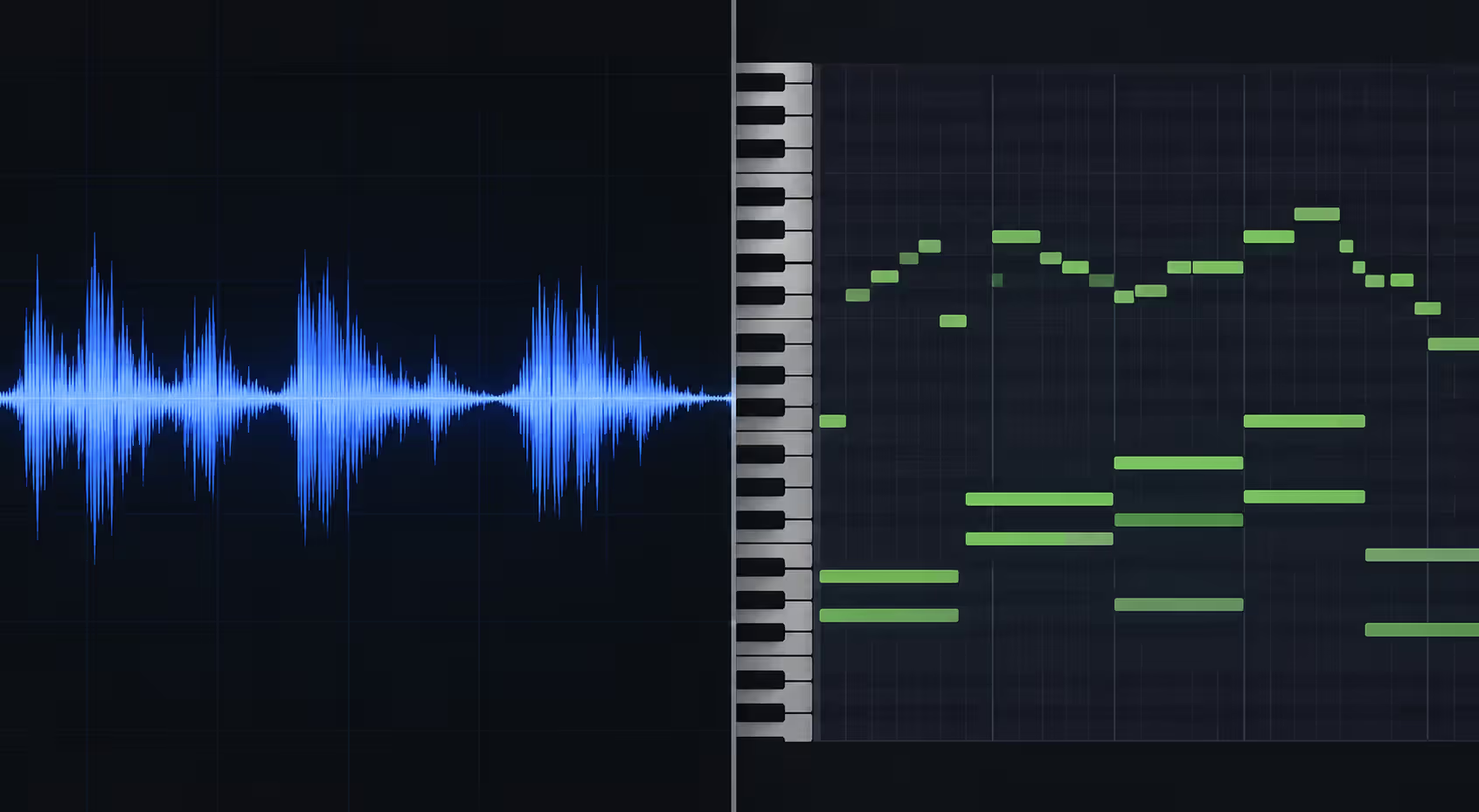
Here's the crucial difference between MIDI and audio: audio files contain actual sound waves—the vibrations you hear. MIDI files contain performance data—the actions that create sound. A three-minute audio file might be 30 megabytes. The same performance as MIDI? Maybe 50 kilobytes.
This makes MIDI incredibly flexible. You can change the instrument, adjust the tempo, transpose the key, fix wrong notes—all without re-recording. Try doing that with an audio recording.
Author: Miles Arbordale;
Source: lamat-records.com
The protocol uses a status byte followed by data bytes. Status bytes tell the receiving device what type of message is coming. Data bytes provide the specific values. It's efficient, fast, and light on bandwidth—which mattered a lot in 1983.
What MIDI Does for Musicians and Producers
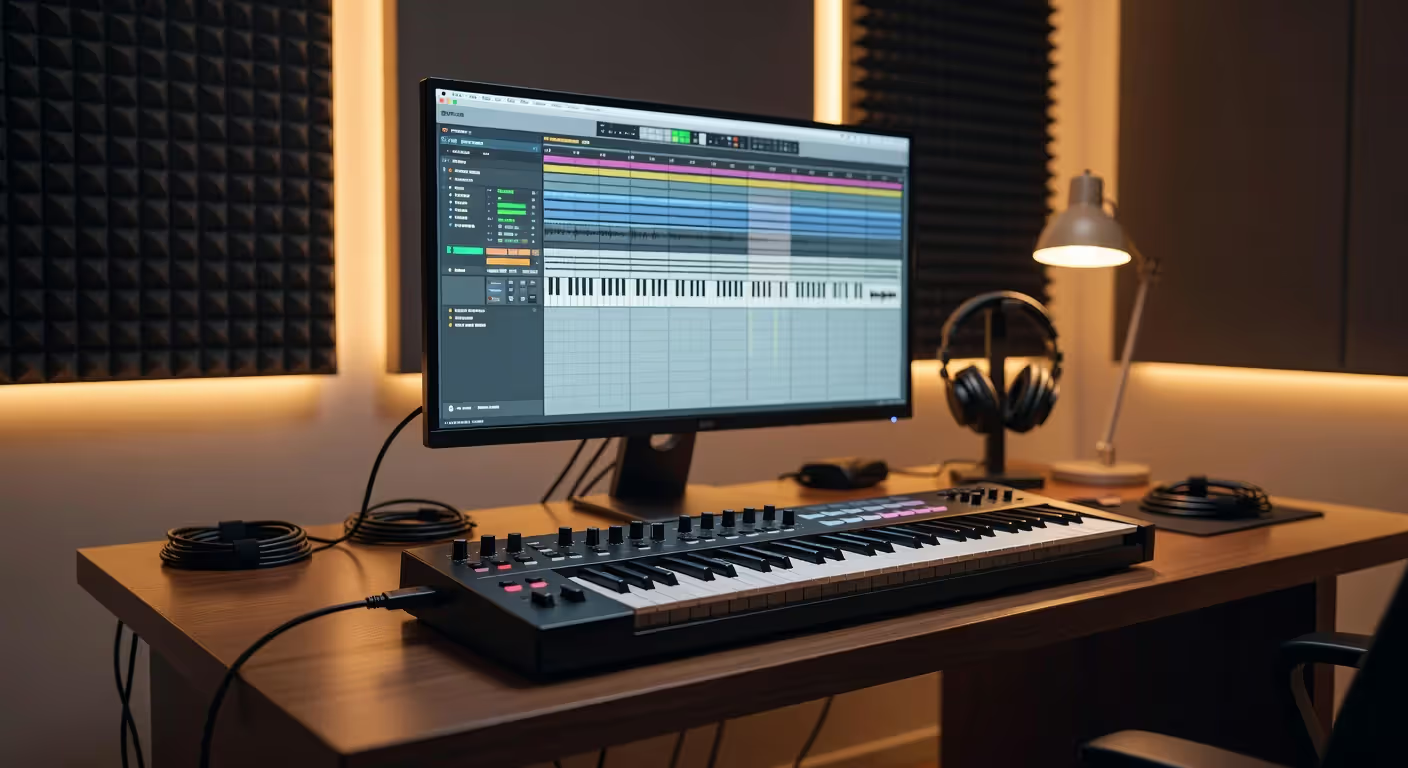
What midi does in practical terms changes depending on who's using it. For a bedroom producer, it's the connection between a keyboard and a laptop running music software. For a touring keyboardist, it's how one controller triggers multiple synthesizers simultaneously.
The purpose of midi extends across several key functions:
Recording performances without audio. You play a keyboard part into your DAW (Digital Audio Workstation). The software captures your exact timing, note choices, and dynamics as MIDI data. Later, you can assign that performance to any virtual instrument—piano, strings, brass, synthesizer. One performance, unlimited sonic possibilities.
Editing with precision. Hit a wrong note? Click and drag it to the correct pitch. Timing slightly off? Quantize it to the grid. Want to try the melody an octave higher? Select all notes and transpose. This level of editing is impossible with audio recordings.
Controlling multiple devices. One MIDI keyboard can trigger sounds from your computer, a hardware synthesizer, and a drum machine simultaneously. Each device listens to a different MIDI channel. You play once, three instruments respond.
Automation and expression. MIDI carries more than just notes. Modulation wheel movements, sustain pedal presses, pitch bend, aftertouch—all transmitted as MIDI data. Your performance nuances get captured and can be edited or replayed.
The pattern I see most often is producers recording MIDI first, then spending more time editing and refining than they spent on the original performance. That's the real power—separation of performance from sound generation.
MIDI Messages and Protocol Overview
The midi protocol overview breaks down into several message types. Each serves a specific function in musical communication.
Note messages form the core. Note On tells a device to start playing a pitch. Note Off tells it to stop. Velocity (how hard the key was struck) ranges from 0 to 127, giving you 128 levels of dynamics.
Control Change messages handle continuous controllers: mod wheels, expression pedals, knobs, sliders. Each controller has a number (CC1, CC7, CC11, etc.), and values again range from 0 to 127.
Program Change messages switch sounds or presets on the receiving device. Want to jump from piano to strings? Send a program change.
Pitch Bend lets you smoothly bend notes up or down, like bending a guitar string. It has finer resolution than other messages—16,384 possible values instead of 128.
Aftertouch (or channel pressure) detects how hard you press down on a key after the initial strike. Some keyboards support polyphonic aftertouch, measuring pressure on each key independently.
Common MIDI Message Types and Their Functions
| Message Type | Purpose | Example Use |
| Note On/Off | Starts and stops notes | Playing melodies, chords, drum hits |
| Control Change | Adjusts continuous parameters | Mod wheel vibrato, volume fades, filter sweeps |
| Program Change | Switches instrument patches | Changing from piano to strings mid-song |
| Pitch Bend | Smooth pitch modulation | Guitar-style bends, siren effects |
| Aftertouch | Pressure-sensitive expression | Adding vibrato by pressing harder on held notes |
System messages handle synchronization and universal functions. MIDI Clock keeps devices in tempo. Start, Stop, and Continue messages control playback across multiple devices simultaneously.
Each message type uses specific byte structures. The first byte (status byte) identifies the message type and channel. Following bytes carry the actual data values. It's a compact, efficient system that rarely fails.
Author: Miles Arbordale;
Source: lamat-records.com
Common Uses of MIDI Today
MIDI remains central to music creation in 2026, even as technology has evolved dramatically since the 1980s. The protocol adapted, expanded, and stayed relevant.
MIDI in Music Production
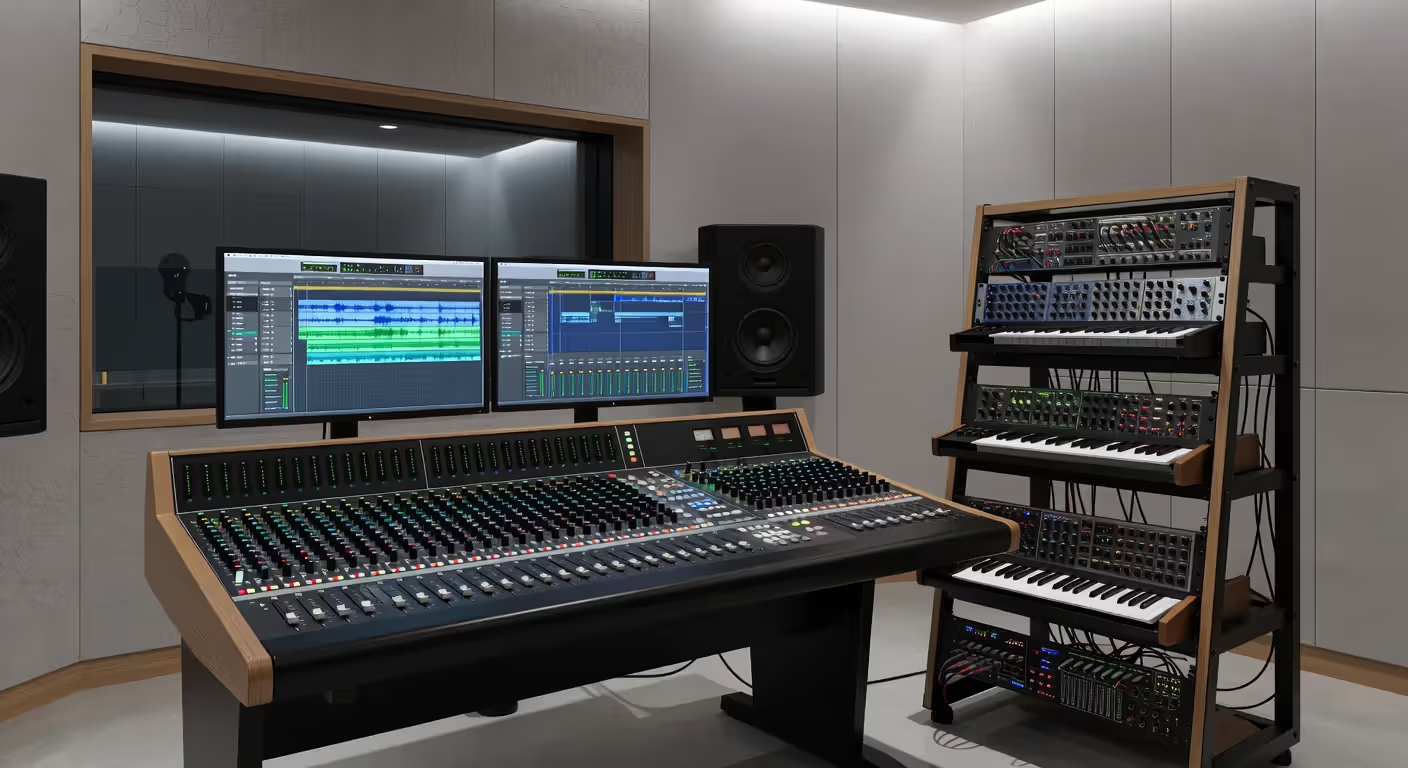
Home studios and professional facilities alike depend on MIDI for virtual instrument control. A producer might own dozens of software instruments—orchestral libraries, vintage synth emulations, drum samplers—all triggered via MIDI.
Layering is common practice. Record one MIDI performance, then copy it to multiple tracks, each with a different instrument. Instant ensemble. Need the strings louder? Adjust one MIDI velocity value, not the entire mix.
Template sessions save hours. Producers create MIDI templates with pre-loaded instruments, routing, and basic arrangements. Start a new track, and the framework's already there.
MIDI in Live Performance
Keyboard players use MIDI to control multiple sound sources from one controller. A single keyboard might trigger an iPad synth app, a laptop running virtual instruments, and two hardware synthesizers—all simultaneously, layered or split across the keyboard range.
DJ controllers send MIDI to software like Ableton Live or Traktor. Pad controllers trigger loops, samples, and effects. MIDI foot controllers let guitarists switch amp simulators or activate effects without touching a knob.
Backing tracks often include MIDI data alongside audio. The MIDI data triggers lighting changes, video cues, or additional sounds timed perfectly with the performance.
MIDI in Film Scoring and Game Audio
Composers sketch ideas using MIDI mockups before recording live musicians. A full orchestral score gets programmed with virtual instruments first. Directors hear the composition, approve changes, then the real orchestra records the final version.
Game audio uses MIDI for adaptive music systems. Instead of playing fixed audio files, games can trigger MIDI sequences that change based on gameplay. Combat starts? The MIDI tempo increases and adds percussion. Player enters a safe zone? The arrangement shifts to calmer instrumentation.
Interactive installations and museum exhibits use MIDI to trigger sounds based on visitor movement or interaction. The protocol's simplicity makes it perfect for creative applications beyond traditional music.
Author: Miles Arbordale;
Source: lamat-records.com
FAQ: MIDI Technology Questions Answered
Understanding what MIDI stands for opens the door to modern music production's most flexible tool. It's not about the sound itself—it's about the instructions that create sound. That distinction gives you creative control that audio recording alone can't match. Whether you're just starting with a simple USB keyboard or building a complex studio rig, MIDI remains the common language that makes it all work together.
Related Stories
Read more
Read more


The content on this website is provided for general informational and educational purposes only. It is intended to explain concepts related to music production, recording, mixing, mastering, music industry roles, and distribution.
All information on this website, including articles, guides, and examples, is presented for general educational purposes. Results and success in music production may vary depending on skill level, equipment, and effort.
This website does not provide professional music production services or guarantees of commercial success, and the information presented should not be used as a substitute for consultation with qualified music producers, audio engineers, or music industry professionals.
The website and its authors are not responsible for any errors or omissions, or for any outcomes resulting from decisions made based on the information provided on this website.